How to Wear Clip On Earbuds (Step-by-Step Guide & Fixes)
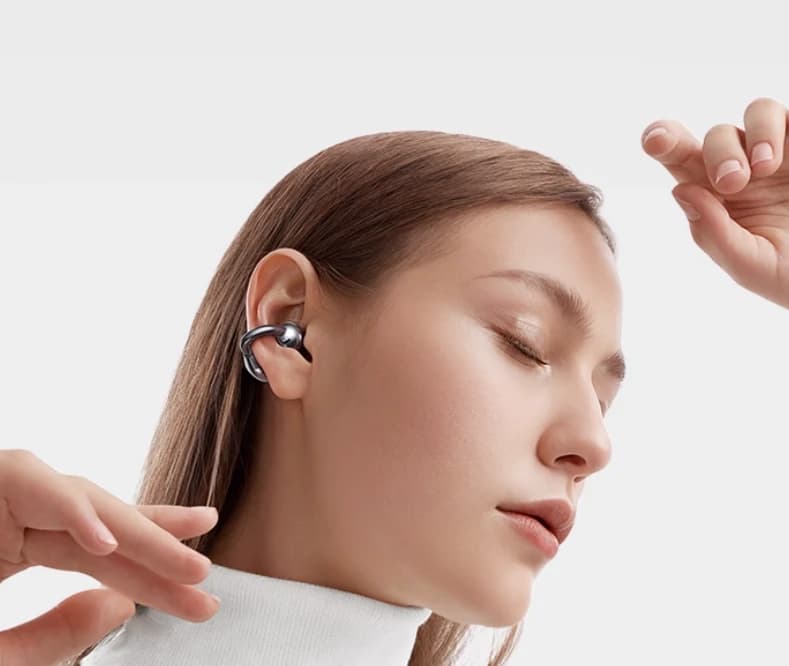
How to Wear Clip On Earbuds: A Practical Step-by-Step Guide
People search how to wear clip on earbuds because clip-on designs feel lighter than in-ear tips and more stable than standard earbuds—especially for commuting, workouts, and office use. This guide focuses only on usage: a clear, repeatable way to put them on, adjust angle and tension, pair with glasses, fix slipping, and avoid ear fatigue. If you want deeper background later, you can read how do clip on earbuds work, are clip on earbuds good, and best clip on earbuds—but everything below is the hands-on “how-to” you need right now.

What Are Clip-On Earbuds?
Clip-on earbuds are small earpieces that rest on the outer ear (the pinna) and use a soft clip or mini ear-hook to stay in place. Instead of sealing your ear canal, the speaker port aims sound toward the canal entrance while the clip provides stability. Many models are open-ear or semi-open, so you can maintain environmental awareness.
- Compared with in-ears: No deep insertion, less pressure, more airflow, easier long sessions.
- Compared with over-ears: Far lighter and glasses-friendly; no headband clamp.
- Compared with neckband buds: No cable bounce; the clip itself stabilizes the earpiece.
For a quick primer on the acoustic path and clip geometries, see how do clip on earbuds work.
Step-by-Step Guide – How to Wear Clip-On Earbuds
Follow these five steps each time. After a few tries, it becomes a two-second routine.
Step 1: Identify Left and Right
- Find the small L and R markings.
- Most designs angle the speaker grille toward the canal; correct sides improve sound aim and microphone placement.
Step 2: Open or Roll the Clip Over the Ear
- Hold the earbud so the speaker port faces the canal entrance.
- Gently open the clip (if hinged) or roll the hook over the top of your ear if it’s a flexible shape-memory loop.
- Let the clip settle behind the ear while the earbud body rests on the concha (the bowl near the canal).
Step 3: Micro-Rotate for Secure Aim
- Aim matters: Slightly rotate the earbud until voices sound centered and clear at low volume.
- Keep the body flush; avoid gaps that reduce clarity and stability.
Step 4: Comfort Check at Low Volume
- Play a podcast or voice note quietly.
- If sound is thin or distant, nudge the angle a few millimeters toward the canal.
- Ensure the clip touches skin, not the sharp edge of cartilage.
Step 5: Stability Test for Movement
- Look down, then left/right; do a light shake of your head.
- If it shifts, reseat the clip slightly farther behind the ear apex and repeat.
- For running, do a quick jog-in-place test until it stays put without pinching.
Shortcut you’ll master: “Roll on → micro-rotate.” Once dialed in, that two-gesture move is all you need to wear clip-ons quickly and correctly.
Tips for Comfort and Stability
- Adjust clip tension (if your model allows): Use the lowest tension that stays secure. Too tight causes fatigue; too loose causes slipping.
- Pairing with glasses: Put on glasses first, then seat the clip behind the frame arm so the clip hugs skin, not plastic. If frames are thick, wear the clip a few millimeters lower to avoid a pressure triangle (frame, clip, cartilage).
- Long-session posture: Keep shoulders relaxed. Don’t pinch a phone between shoulder and ear; it twists the clip angle and creates hot spots.
- Reduce ear fatigue: Keep volume moderate. Because clip-ons don’t seal, it’s tempting to crank volume—better to fine-aim the port so you hear more at lower levels.
- Hair & headwear: Tuck hair behind the ear so strands don’t slide between clip and skin. With hats/helmets, seat the clip lower to avoid being knocked loose when removing the brim.
- Sweat management: After workouts, wipe contact points with a dry cloth. Dry skin increases friction and stability.
Common Issues and Solutions
1) Earbuds slip during workouts
- Re-aim + reseat: Rotate the speaker toward the canal and set the clip farther back behind the ear apex.
- Dry the area: Sweat reduces grip; wipe skin and the clip.
- Add friction: If included, install thin anti-slip pads; they add grip without pressure.
2) Discomfort with glasses
- Glasses on first; clip goes behind the frame arm to touch skin only.
- Lower the clip a few millimeters to reduce frame conflict.
- Prefer rounded, soft-touch clips that don’t dig into the temple.
3) Sound feels weak or off-center
- Micro-rotate until vocals become full and centered at low volume.
- Try the other ear to discover your natural angle, then mirror that on the first ear.
4) Sound leakage bothers people nearby
- Lower volume and improve aim; better alignment means clearer audio at lower levels.
- In libraries/meetings, pause media and rely on call-side noise reduction for your voice if needed.
5) Mic sounds distant on calls
- Ensure hair or mask straps don’t cover the mic vent.
- Keep the body flush against the ear; big gaps reduce mic pickup.
6) Clip pinches after 30–60 minutes
- Reduce tension (if adjustable) or wear it slightly lower.
- Take a 5-minute stretch break; massage around the helix to restore circulation.
Best Clip-On Earbuds for Easy Wearing (Fit-First Checklist)
This isn’t a review; it’s a fit guide. When choosing models, prioritize ergonomics that make wearing effortless:
- Weight: ~7–9 g per ear often “disappears” for all-day comfort.
- Soft clip edges: Rounded, smooth surfaces reduce hot spots—important with glasses.
- Natural angle: A nozzle or port that automatically points toward the canal with minimal fiddling.
- Stable geometry: A clip that anchors behind the ear apex and resists micro-movement when you jog.
- Glasses-friendly curve: Interior arc that fits alongside frame arms without stacking pressure.
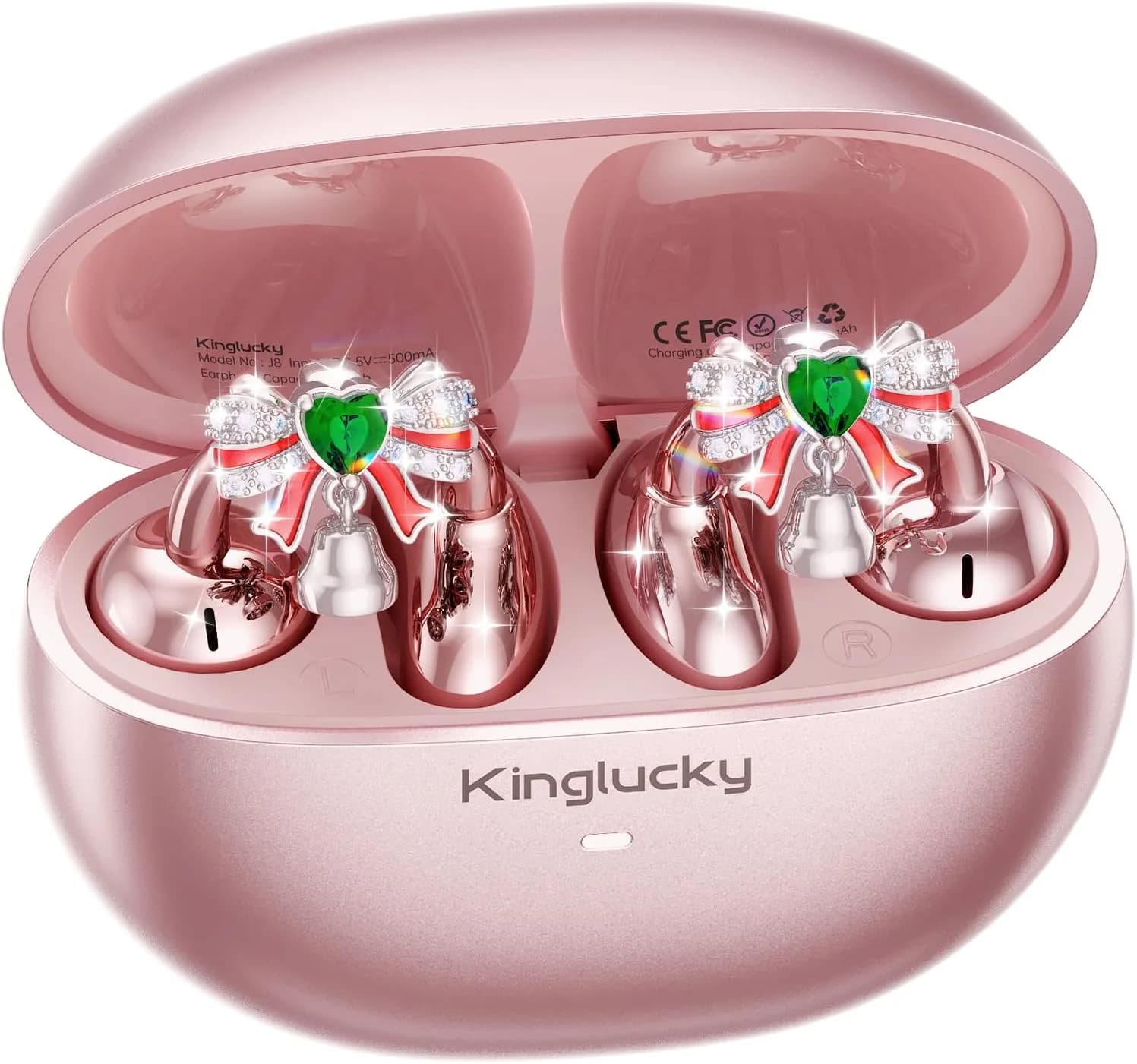
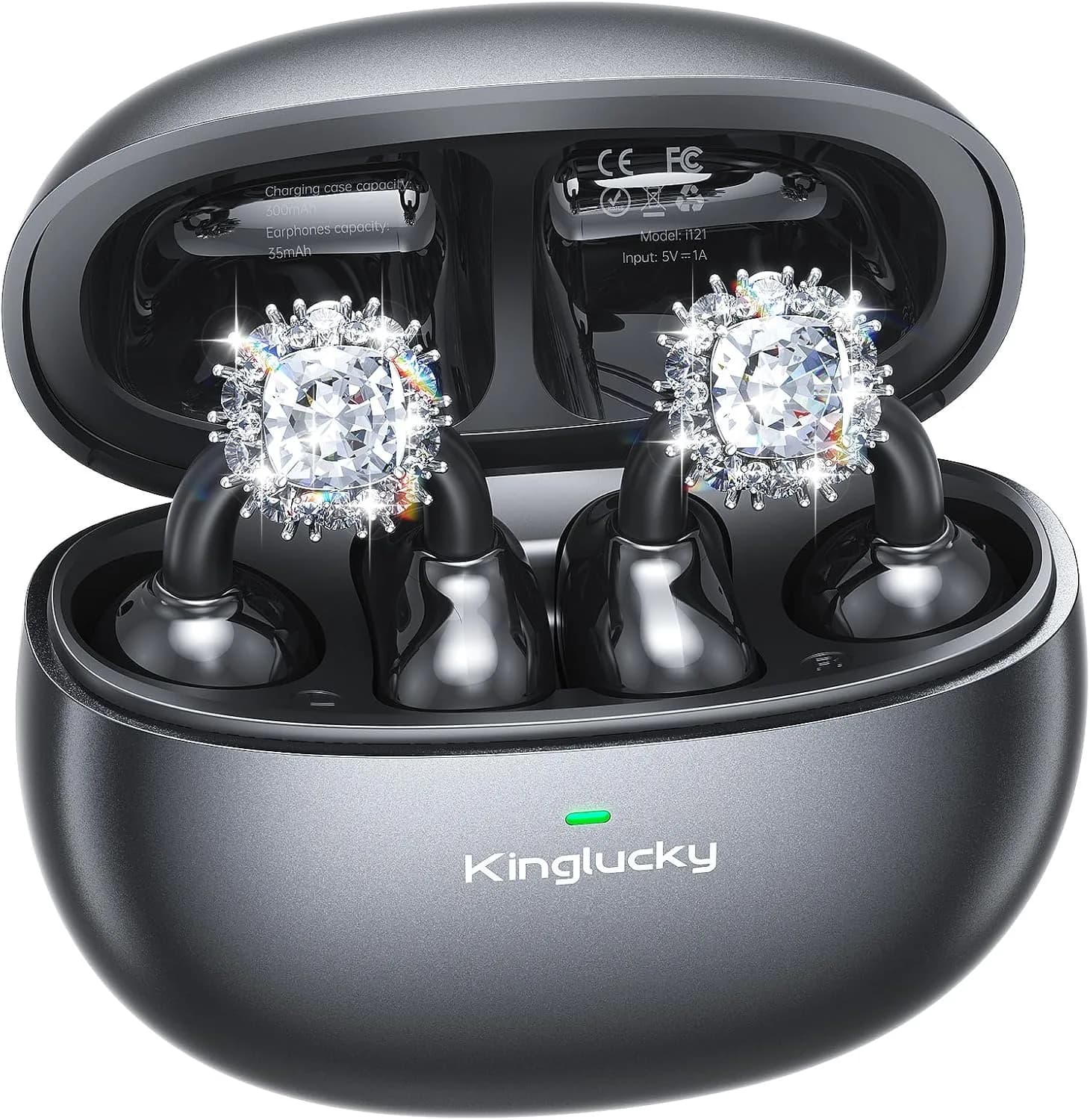
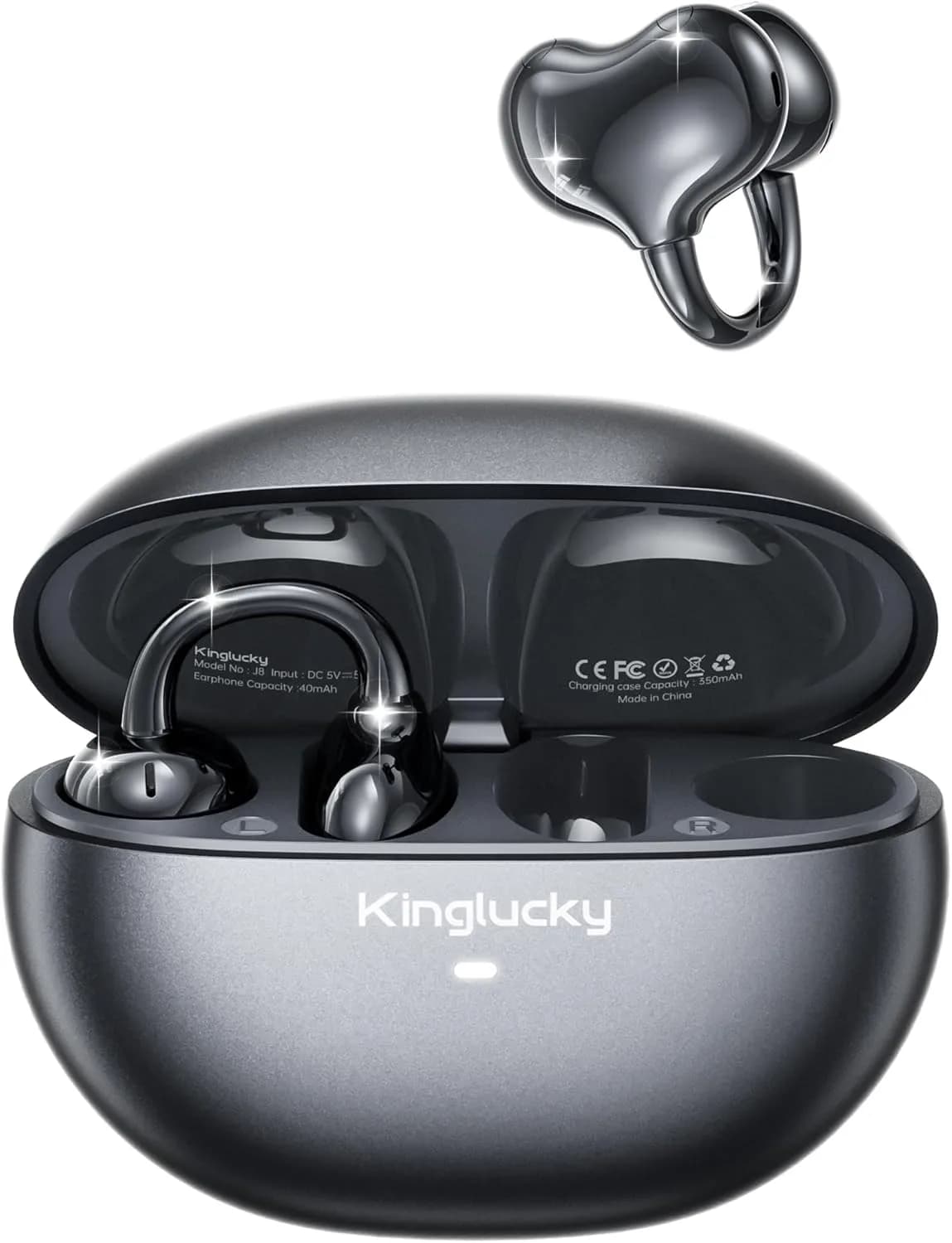
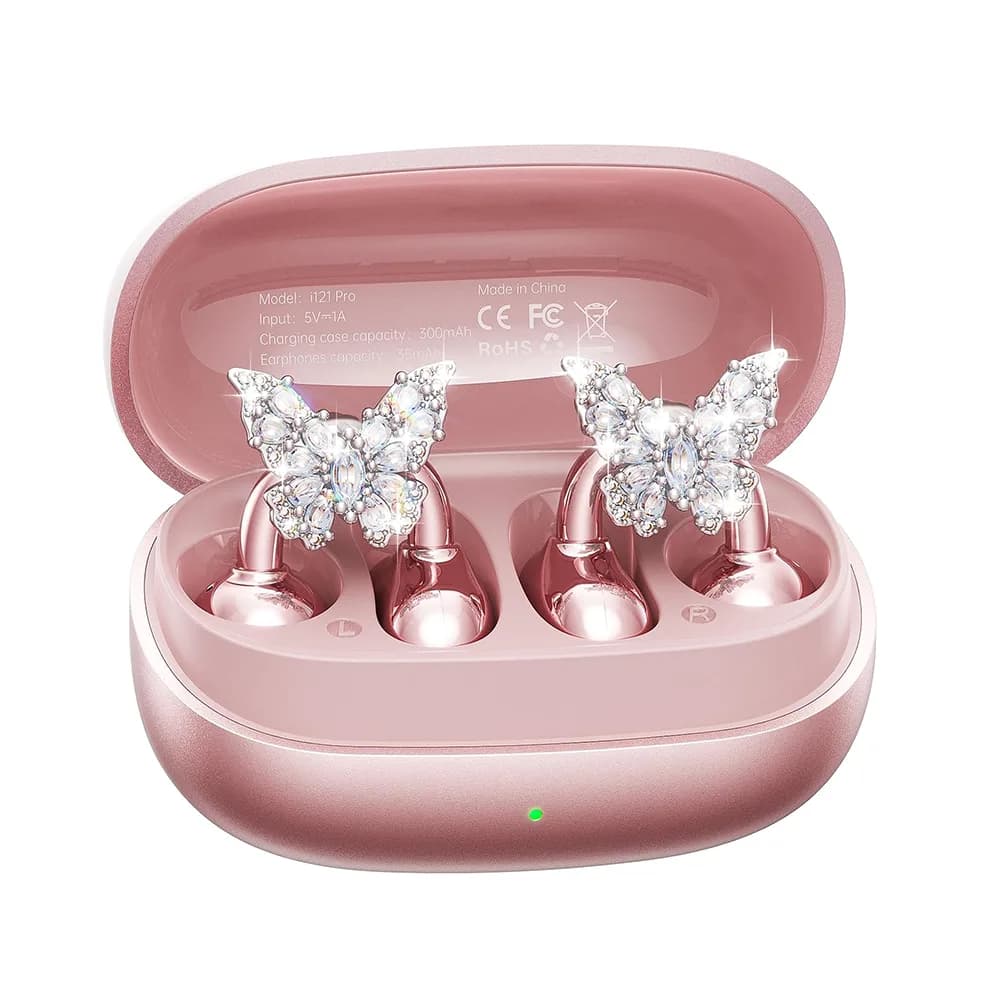
Example: Kinglucky A9 is a slim, stylish clip-on with soft, glasses-friendly hooks and a speaker angle many users can “roll on & go” without fine-tuning—useful when practicing the routine above.
Want curated picks by budget and activity? See best clip on earbuds.
Why Clip-On Earbuds Are Worth Trying
- Gentle on ears: No deep insertion, less canal pressure over long days.
- Situational awareness: Open/sem i-open designs let you hear doorbells, colleagues, or traffic.
- Stable with motion: Properly fitted clips resist the bobbing that can dislodge true wireless buds.
- Glasses compatibility: No headband clamp, no tip pressure—just a clip that coexists with frames.
For a big-picture verdict on use cases, read are clip on earbuds good.
Conclusion
How to wear clip on earbuds comes down to a simple habit: identify L/R, roll the clip on, then micro-rotate until voices sound centered at low volume. If it slips, seat the clip farther behind the ear and dry the contact area; if it pinches, lower the clip or ease tension. With this routine, clip-ons become a comfortable, glasses-friendly, and stable daily audio solution for commuting, workouts, and hands-free calls.
FAQ
How do you keep clip-on earbuds from falling off?
Seat the clip behind the ear apex, aim the speaker at the canal entrance, and keep skin dry. For workouts, add the included anti-slip pads if available.
Are clip-on earbuds comfortable with glasses?
Yes. Wear glasses first, then place the clip behind the frame arm so it hugs skin. Rounded, soft-touch clips reduce pressure points.
Can I wear clip-on earbuds for running?
Absolutely. A secure clip fit resists bounce. Do a quick jog-in-place test after fitting and keep volume moderate so you remain aware of traffic.
Which clip-on earbuds are easiest to wear?
Look for lightweight builds, soft clips, and a natural speaker angle that points toward the canal. For curated recommendations, see best clip on earbuds.
Do clip-on earbuds leak sound?
Some leakage is normal at higher volumes. Improve aim so audio is clearer at lower levels and less audible to bystanders.
Troubleshooting Cheat Sheet (Copy/Paste)
- Slips: Seat clip farther back; dry contact points; add anti-slip pads.
- Pinch: Lower placement; reduce tension; take 5-minute breaks per hour.
- Thin sound: Micro-rotate toward canal; mirror the better-sounding ear’s angle.
- Glasses conflict: Glasses first; clip behind frame arm; choose rounded clips.
Friendly reminder: Keep volume moderate and take short breaks during long listening. If you need more background on how these designs function, start with how do clip on earbuds work.
Recommended Products