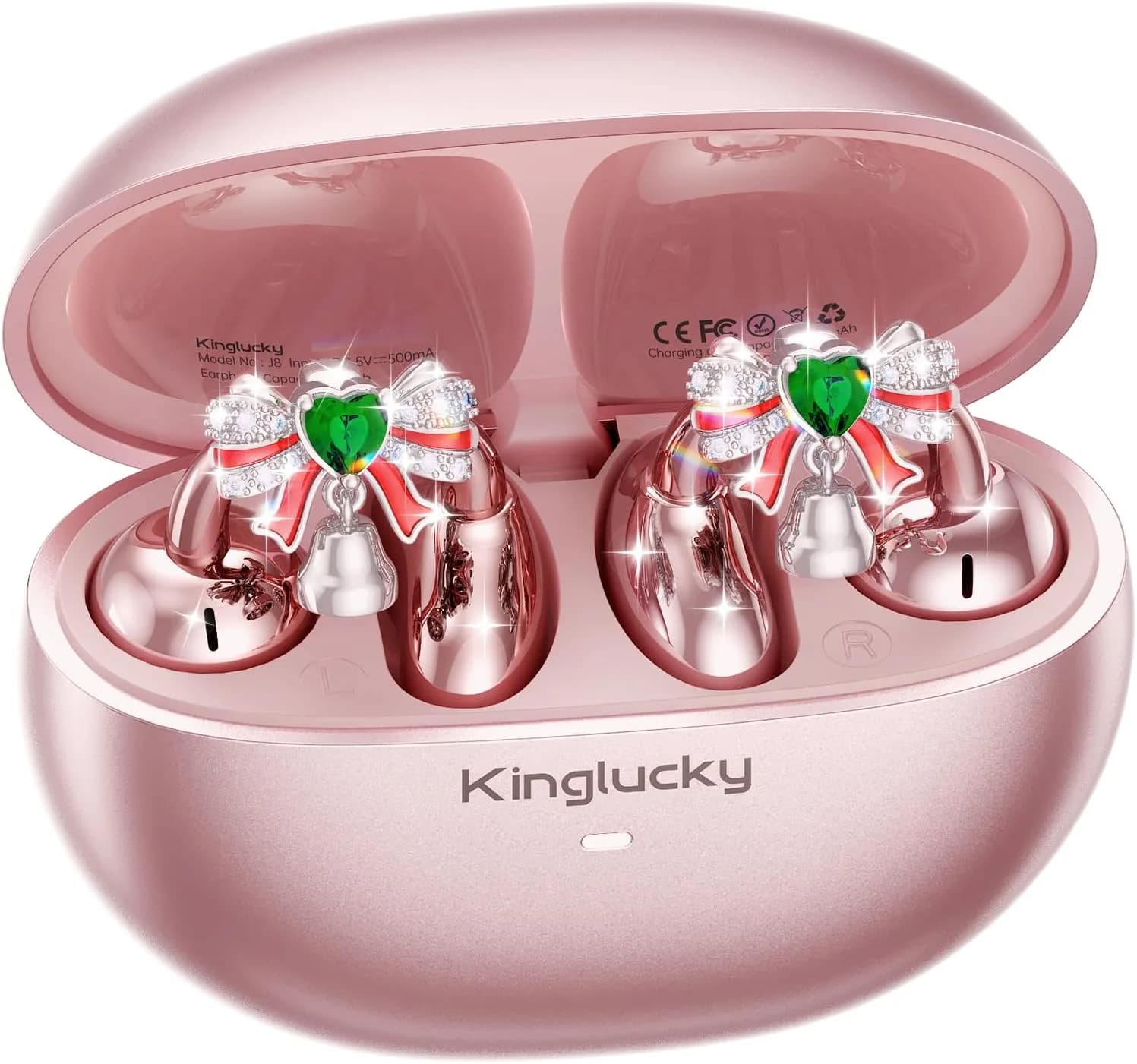
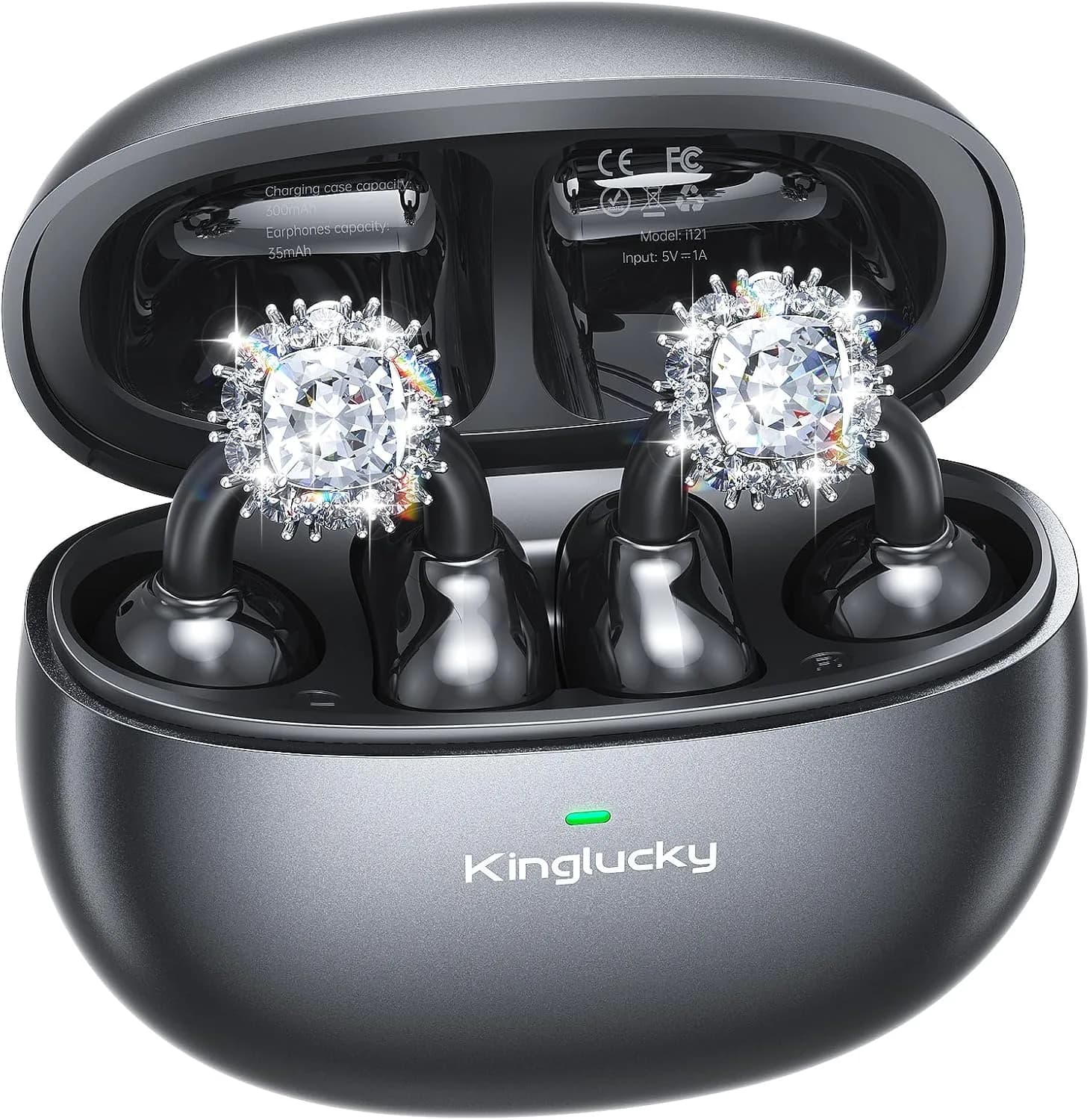
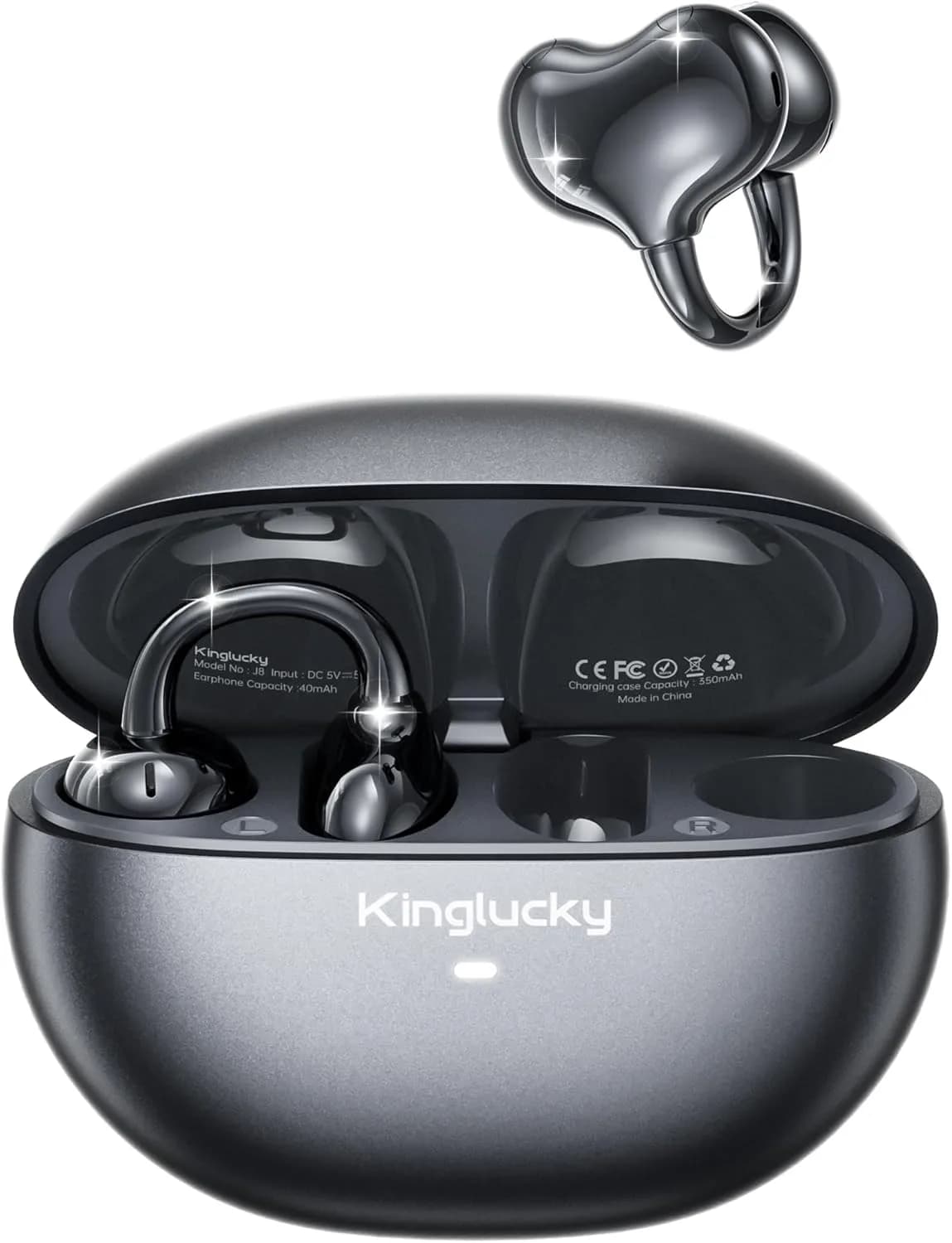
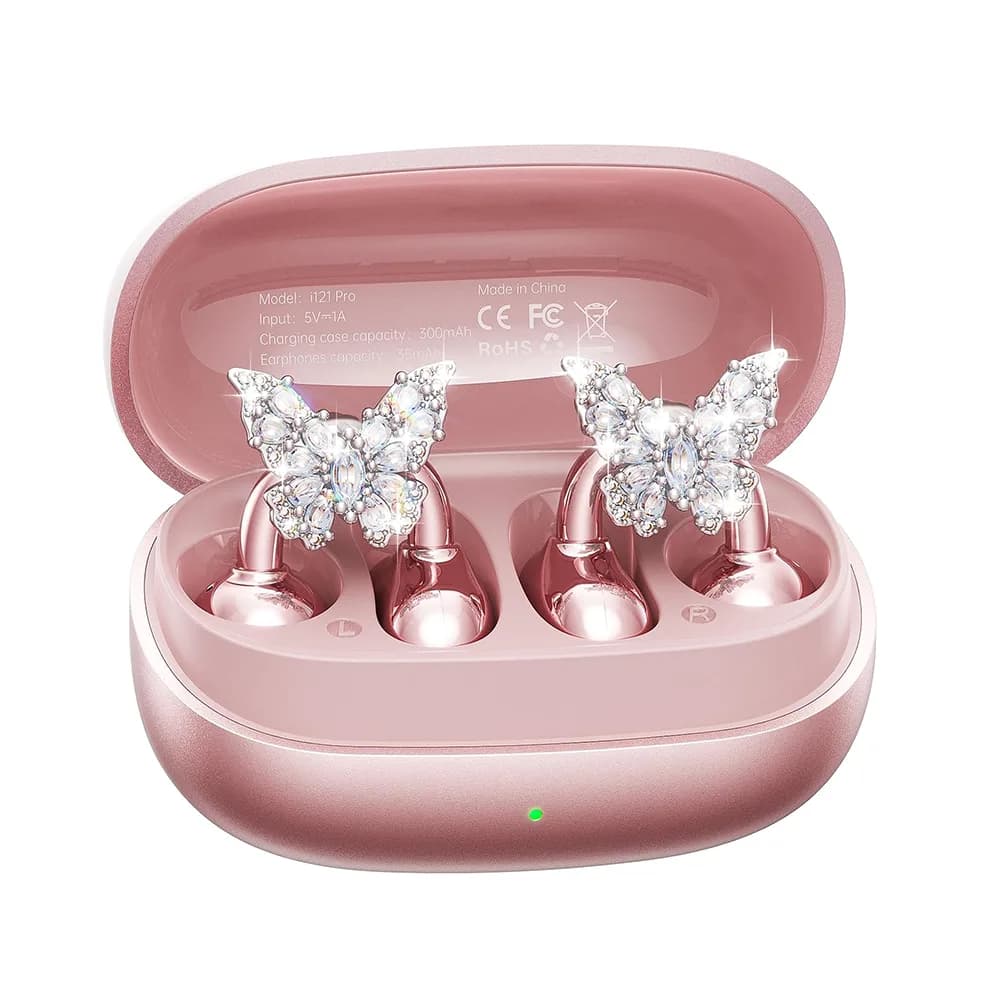
How to Charge Open Ear Headphones
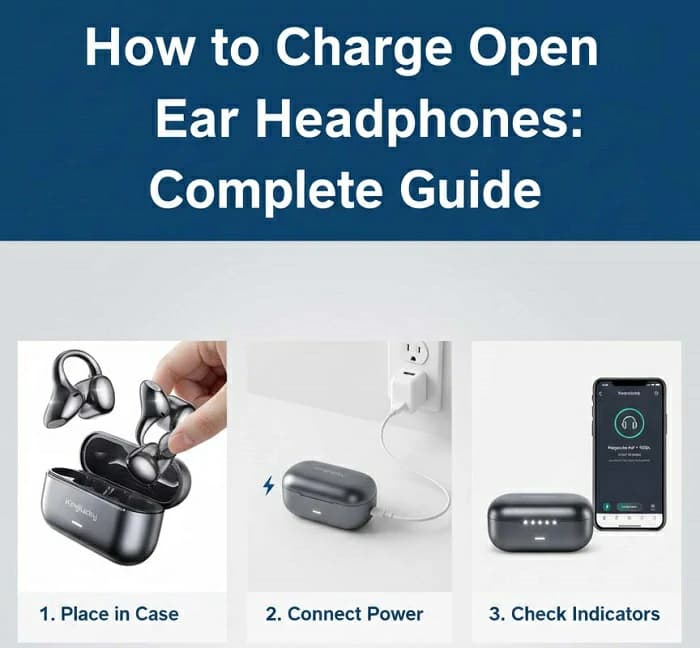
How to Charge Open Ear Headphones: Complete Guide
If you’ve recently purchased a pair of open ear headphones, one of the first questions you might have is: how to charge open ear headphones? With so many brands offering different designs, the charging method can vary—some use USB-C, others rely on magnetic docks, and a few even support wireless charging. This article serves as a comprehensive guide, covering charging methods, safety tips, troubleshooting, and battery care to help you get the most out of your headphones.
Standard Charging Methods for Open Ear Headphones
Open ear headphones come in various designs, and so do their charging systems. The most common methods include:
- USB-C Wired Charging: The most universal standard. Many open ear headphones feature a USB-C port for quick and efficient charging.
- Magnetic Charging Docks: Some models use magnetic pins that snap into place, ensuring secure charging without plugging in cables.
- Wireless Charging Cases: Higher-end models may include cases that recharge your headphones wirelessly, similar to true wireless earbuds.
Step-by-Step Guide: How to Charge Open Ear Headphones
Here’s a simple guide for open ear headphones charging, regardless of brand or model:
- Check the charging port: Locate the USB-C slot or magnetic connectors on your headphones.
- Connect the charger: Insert the USB-C cable into the port or place the headphones on the magnetic dock/case.
- Confirm charging: Look for indicator lights (usually red/orange while charging, green/white when fully charged). Some models also send app notifications.
- Wait for completion: Charging times vary. On average, most models take 1.5–2.5 hours to fully charge.
How long to charge open ear headphones? Check your product manual, but expect around 2 hours for a full charge.
Tips for Safe and Efficient Charging
To keep your battery safe and efficient, follow these tips:
- Avoid overnight charging: Modern batteries have protections, but prolonged charging may cause heat stress over time.
- Use certified chargers: Stick to the original charger or reliable third-party options with proper voltage.
- Keep ports clean and dry: Dust or moisture can cause charging issues. Wipe ports gently with a dry cloth.
- Charge at room temperature: Avoid extreme heat or cold while charging, as it affects battery health.
Common Charging Problems and Fixes
Sometimes users face issues with open ear headphones charging. Here’s how to fix common problems:
- Headphones not charging: Try a different cable, adapter, or outlet. Ensure magnetic pins are aligned correctly.
- Charging too slowly: Check if you’re using a low-power adapter. Upgrade to a charger with at least 5V/1A output.
- Indicator light not working: Some models use app notifications instead of lights. Check your smartphone app.
- Battery drains too fast: Ensure headphones are fully charged and not left powered on when not in use. Over time, batteries naturally degrade—consider professional service if it worsens.
How to Extend Battery Life of Open Ear Headphones
Battery care is as important as charging itself. To maximize open ear headphones battery life, follow these practices:
- Charge within 20%–80% range: Avoid letting the battery drop to 0% too often or keeping it at 100% for extended periods.
- Store properly: If not using for weeks, store headphones at around 50% charge in a cool, dry place.
- Avoid fast charging every time: While convenient, constant fast charging may wear batteries quicker.
- Update firmware: Some brands release battery optimization updates through apps.
Portable Charging Solutions for Active Users
For athletes, travelers, and commuters, portability matters. Here are solutions to stay charged on the go:
- Power Banks: Lightweight power banks can recharge headphones multiple times during travel.
- Compact Charging Cases: Some open ear headphones include cases with built-in batteries for extra hours of playback.
- Innovative Examples: Models like the Kinglucky A9 offer efficient USB-C charging with fast recharge times and long-lasting battery (up to 8 hours per charge, 50 hours with case), making them ideal for active users.
Conclusion
Learning how to charge open ear headphones is essential for maintaining performance and battery life. While charging methods vary—USB-C, magnetic docks, or wireless cases—the basics are simple: connect properly, use the right chargers, and follow safe practices. By applying these tips, you can ensure longer-lasting battery health and a better listening experience. Always consult your product manual for brand-specific instructions, and choose models that offer reliable charging solutions for your lifestyle.
FAQ
How long does it take to charge open ear headphones?
On average, most models take 1.5–2.5 hours to fully charge. Fast-charging options may provide hours of use with just 15–20 minutes of charging.
Can I use a phone charger for my open ear headphones?
Yes, as long as the charger provides the recommended voltage and current (typically 5V/1A). Avoid cheap, uncertified adapters.
Why are my open ear headphones not charging?
Check the cable, adapter, and ports for dust or damage. Align magnetic pins correctly. If the problem persists, try a different charger or reset the headphones.
Do open ear headphones support wireless charging?
Some premium models include wireless charging cases, but most rely on USB-C or magnetic docks. Check your product specifications to confirm.
Recommended Products