
How to use Kinglucky i611 Bluetooth Touch Screen Earbuds
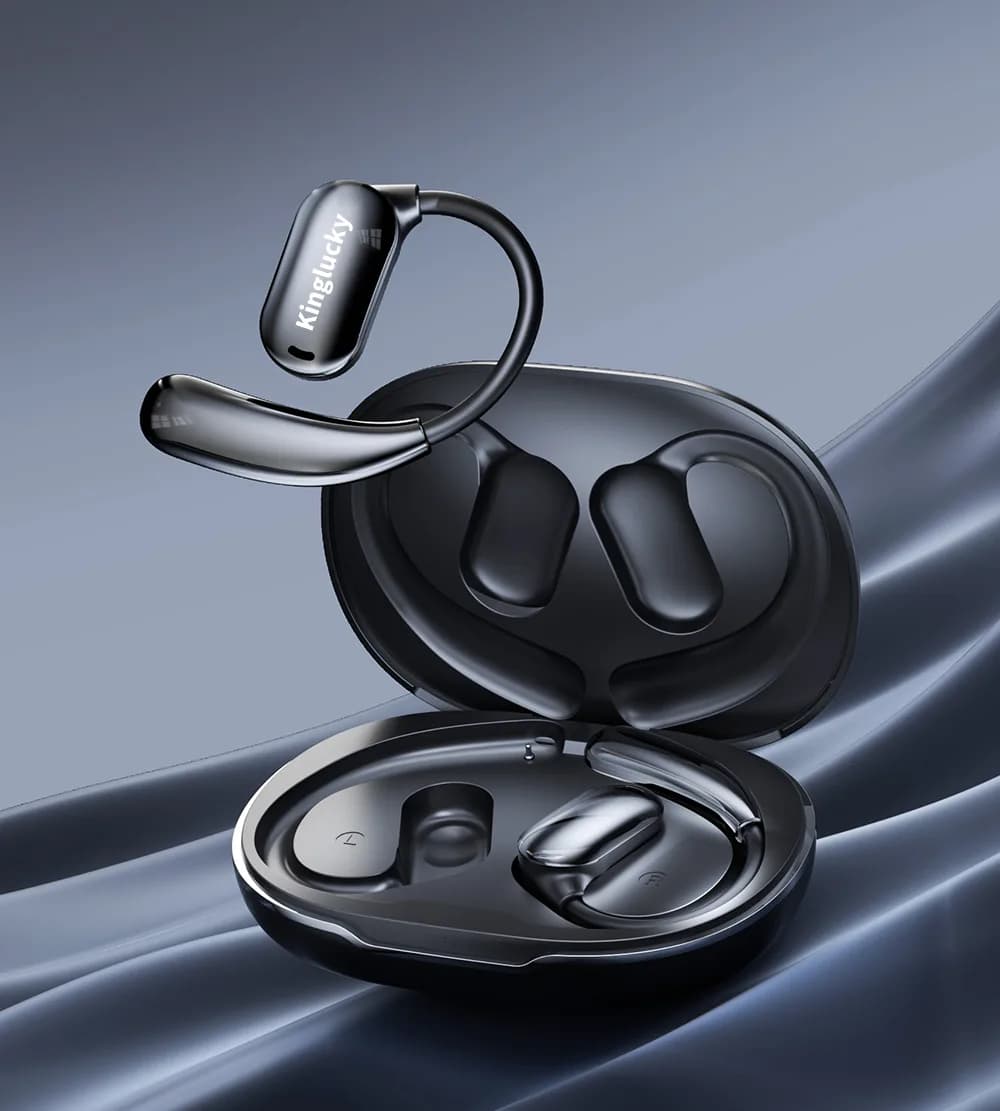
Introduction
Overview of Kinglucky i611 Bluetooth Touch Screen Earbuds
Kinglucky is a reputable brand known for its innovative audio solutions. The i611 model features advanced technology, including Bluetooth connectivity, intuitive touch controls, and noise cancellation, offering users a high-quality listening experience.
Purpose of This Guide
This guide provides detailed instructions on the proper use and maintenance of the Kinglucky i611 earbuds, ensuring users can fully optimize their experience.Unboxing and Initial Setup
Unboxing Contents
The package includes:Earbuds
Charging case
USB-C charging cable
User manual
Charging the Earbuds
Before initial use, ensure that both the earbuds and charging case are fully charged using the provided USB-C cable. The indicator light will display the charging status.Initial Fit and Comfort
To achieve optimal sound quality, adjust the earbuds to sit securely and comfortably in your ears.Bluetooth Pairing and Connection

Activating Bluetooth
Remove the earbuds from the charging case; they will automatically power on and enter pairing mode.Device Pairing
Access the Bluetooth settings on your device.Select "Kinglucky i611" from the list of available devices.
Confirm the pairing request.
Multi-Device Connectivity
To switch between devices, disconnect from the current device and pair with another. The process is seamless and straightforward.Touch Control Guide
Basic Touch Controls
Play/Pause: Single tapAnswer/End Calls: Single tap
Volume Adjustment: Long press
Advanced Touch Controls
Track Selection: Double-tap for next or previous trackActivate Voice Assistant: Triple-tap either earbud
Adjusting Touch Sensitivity
If the touch controls are unresponsive or overly sensitive, refer to the user manual for instructions on resetting the touch sensitivity settings.Audio Settings and Optimization

Sound Quality Adjustment
For the best audio experience, use your device's equalizer settings to adjust bass, treble, and other sound parameters.Noise Cancellation
Activate Active Noise Cancellation (ANC) to reduce ambient noise and enhance listening immersion.Usage Modes
The earbuds can be used in single-ear or dual-ear modes, depending on your requirements.Charging and Battery Management
Charging Instructions
To charge the earbuds and the case, use the included USB-C cable. The indicator lights will display the current battery level during charging.Checking Battery Levels
Battery status can be verified via the connected device or by observing the indicator lights on the charging case.Battery-Saving Tips
Turn off the earbuds when they are not in use.Avoid overcharging to prolong the battery lifespan.
Earbuds Maintenance and Care
Cleaning Guidelines
Clean the earbuds and charging case using a soft, dry cloth. Avoid exposure to water or harsh chemicals.Storage Recommendations
Store the earbuds in the charging case when not in use to prevent damage and accumulation of dust.Regular Inspection
Regularly inspect the earbuds for any signs of wear or damage to ensure proper functionality.Common Issues and Solutions

Connection Issues
Ensure that the earbuds are in pairing mode.Restart Bluetooth on your device.
Audio Quality Problems
Reset the earbuds and reconnect to the device.Ensure the earbuds are securely fitted in your ears.
Charging Issues
Inspect the charging cable and port for any damage.Clean the connectors to ensure proper contact.
Touch Controls Not Working
Clean the touch panel surface.Reset the earbuds to factory settings.
