What to Know When Buying a Karaoke Machine: Expert Guide & Checklist
What to Know When Buying a Karaoke Machine
Buying a karaoke machine requires understanding key features like microphone quality, audio path latency, room fit, and safe volume levels. Whether you want to sing solo at home, entertain a group at a party, or entertain children, the ideal machine depends on your space, purpose, and technical needs. This guide will break down essential features, how to evaluate them in your own home, and how to make sure the karaoke system you buy fits your specific use case.
Core Features of a Good Karaoke Machine
Microphone Quality & Types
A good karaoke machine starts with its microphones. You have options between wireless and wired microphones. For home use, wireless mics offer flexibility, but wired mics often provide better clarity and reduce feedback issues.
Connectivity
Connectivity options such as Bluetooth, HDMI ARC/optical audio, and USB/TF cards allow for easy media input and syncing. Wired connections are better for minimizing latency.
Audio Path & Latency
Latency can cause syncing issues between the lyrics and the music, especially with Bluetooth setups. Using HDMI ARC or optical connections is ideal for real-time syncing.
Sound System
The sound system should offer clear audio without distortion. Ensure the system is powerful enough for your space while maintaining clarity at higher volumes.
Volume Control & Safety
Look for adjustable volume controls to balance mic and system volume. This is particularly important for safety, especially in family settings to avoid harmful sound levels.
Room-Specific Buying Guide
Small Rooms
For smaller spaces, choose a compact system with clear audio output at low volumes, and mics with minimal feedback.
Medium to Large Rooms
Larger rooms require more powerful systems. Opt for machines with higher output power and dual wireless mics for duets.
Outdoor Settings
For outdoor use, ensure the machine is portable, weather-resistant, and has a long-lasting battery life.
Portable/Travel
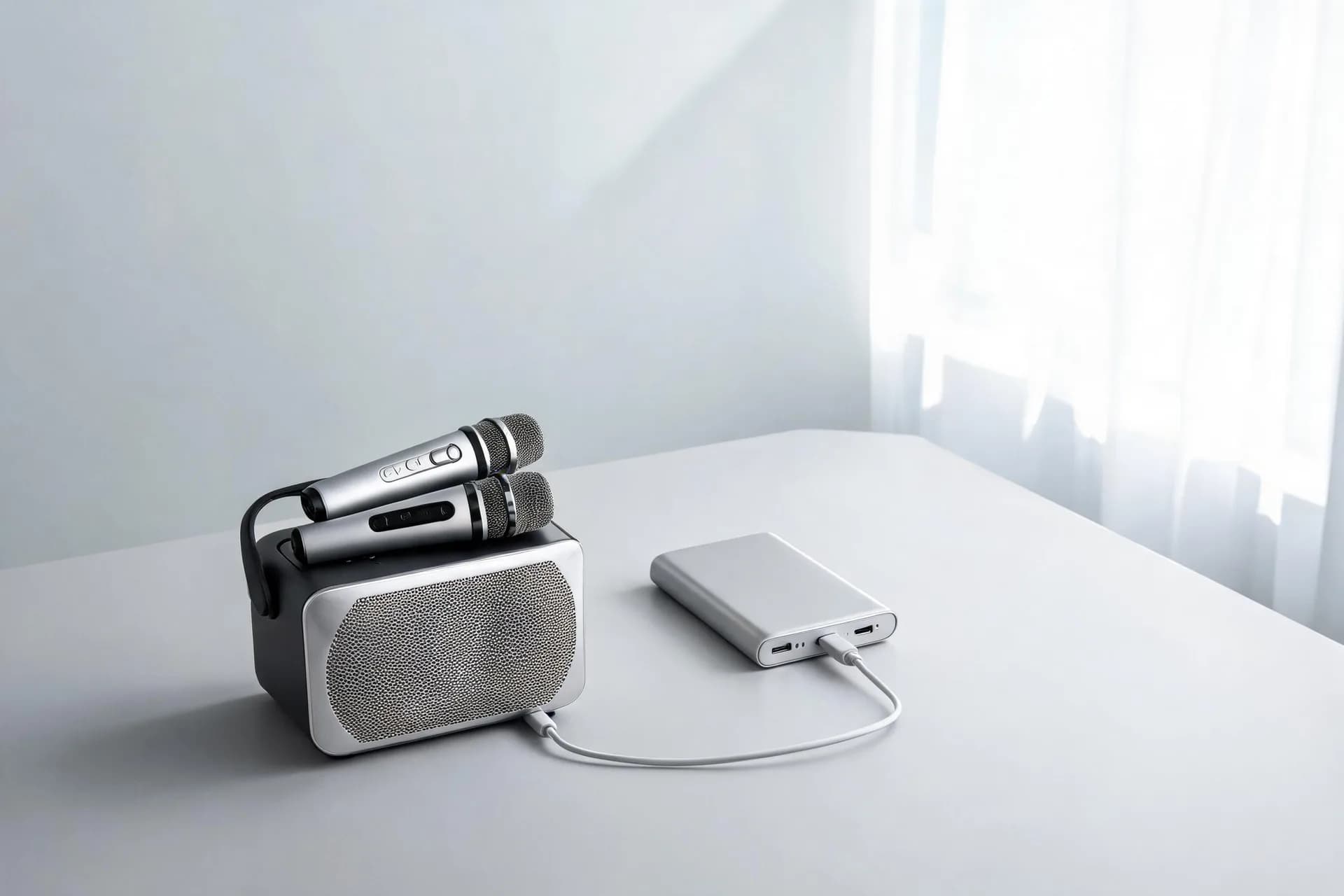
Choose compact, lightweight systems with USB-C charging and moderate volume control for safety.
Why Latency Matters
Latency can cause a delay between the lyrics and vocals, making it difficult to stay in sync. Opt for wired connections like HDMI ARC or optical audio for better syncing. Avoid Bluetooth if possible to reduce the risk of lag.
5-Minute Home Test Plan
Lip-Sync Test
Play a karaoke video and clap in front of the mic. Check for any noticeable delay between the video and audio.
Mic Feedback Test
Gradually increase mic volume and move around the room. Check for feedback and adjust the speaker position.
Clarity Test
Speak a simple phrase at different volumes and check for clarity and echo issues.
Battery Test
If using a portable unit, run it for 30 minutes at moderate volume to check battery life.
Room-Specific Test
Ensure the system fills the room without distortion. Avoid pushing the volume to the maximum level to prevent sound quality issues.
Choosing the Best Karaoke Machine Based on Purpose
For Family Entertainment
Look for dual wireless mics, simple controls, and minimal echo effects.
For Kids & Travel
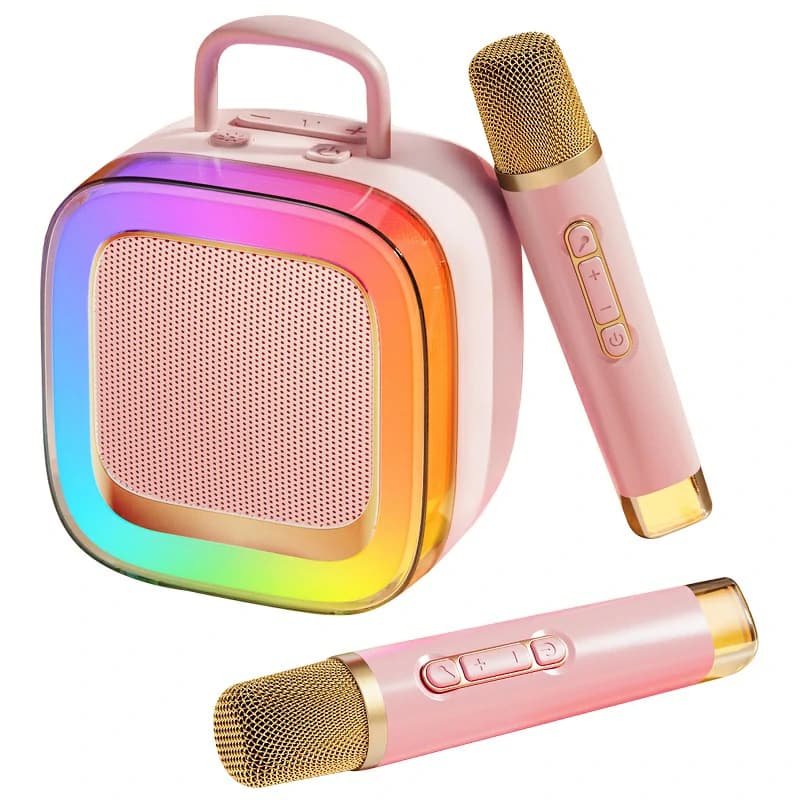
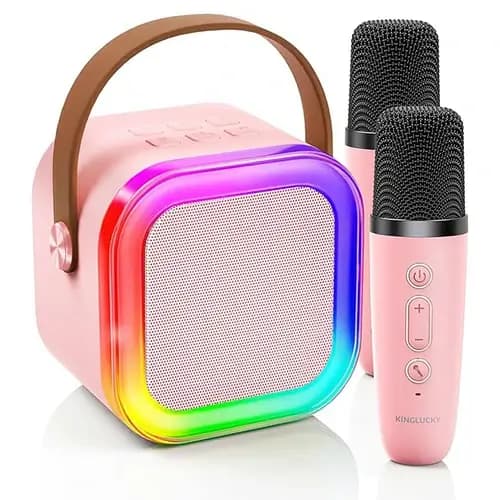
Choose compact, lightweight systems with USB-C charging and moderate volume control for safety.
For Parties
For larger crowds, choose a machine with high output power, multiple mic inputs, and clear sound at high volumes.
Things to Avoid When Buying a Karaoke Machine
- Cheap mics with low range
- Units without volume control
- Lack of clear input options (Bluetooth, USB, TF card, etc.)
- Excessive size and weight for your needs
Quick Buying Checklist
- Dual wireless mics with stable connection
- Input options: Bluetooth, AUX, USB, TF card
- Volume control for mic and system
- Battery life (for portable models): 3-6 hours
- Connectivity path: HDMI ARC/eARC or optical
- Build quality: Durable for outdoor use, compact for storage
FAQs
What should I consider for a karaoke machine if I have a small apartment?
Look for compact systems with clear sound at low volumes and easy setup.
Is Bluetooth better for karaoke or should I use wired connections?
Wired connections like HDMI ARC/eARC are preferable to avoid latency issues with Bluetooth.
How can I avoid feedback issues when using wireless microphones?
Ensure mics are within range and adjust speaker volume and placement to reduce feedback.
Recommended Products