What Should I Look for in a Karaoke Machine
What Should I Look for in a Karaoke Machine?
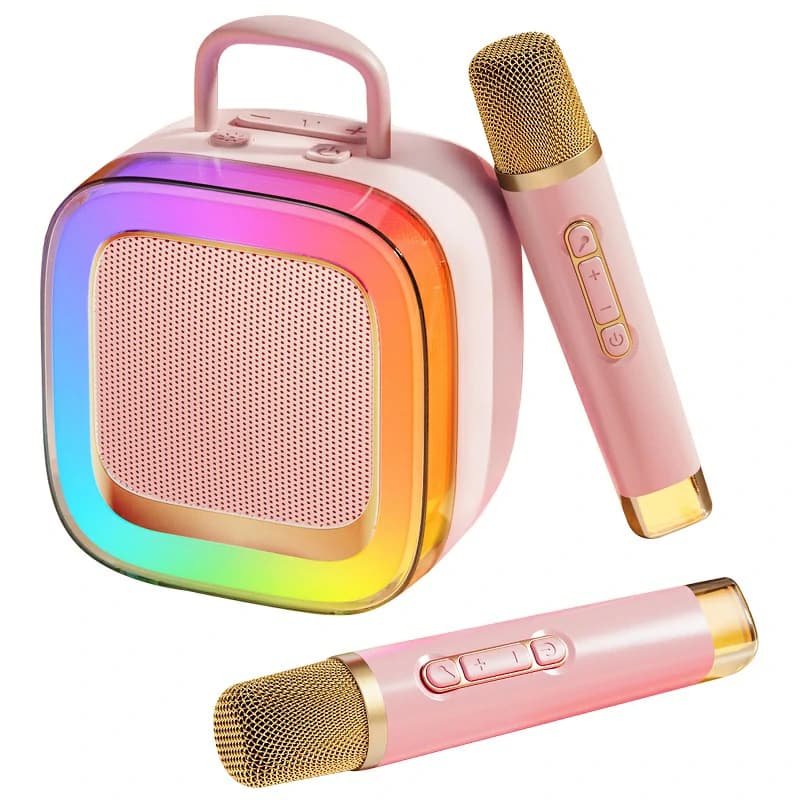
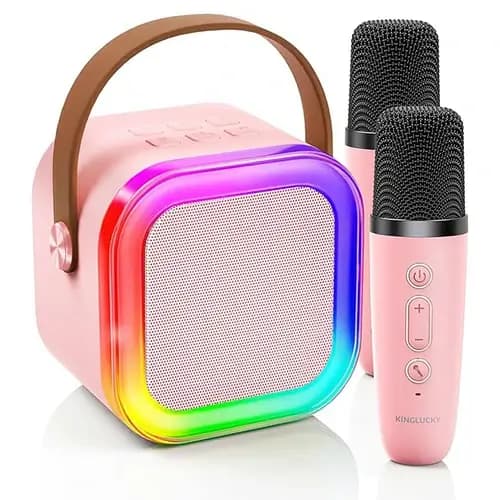
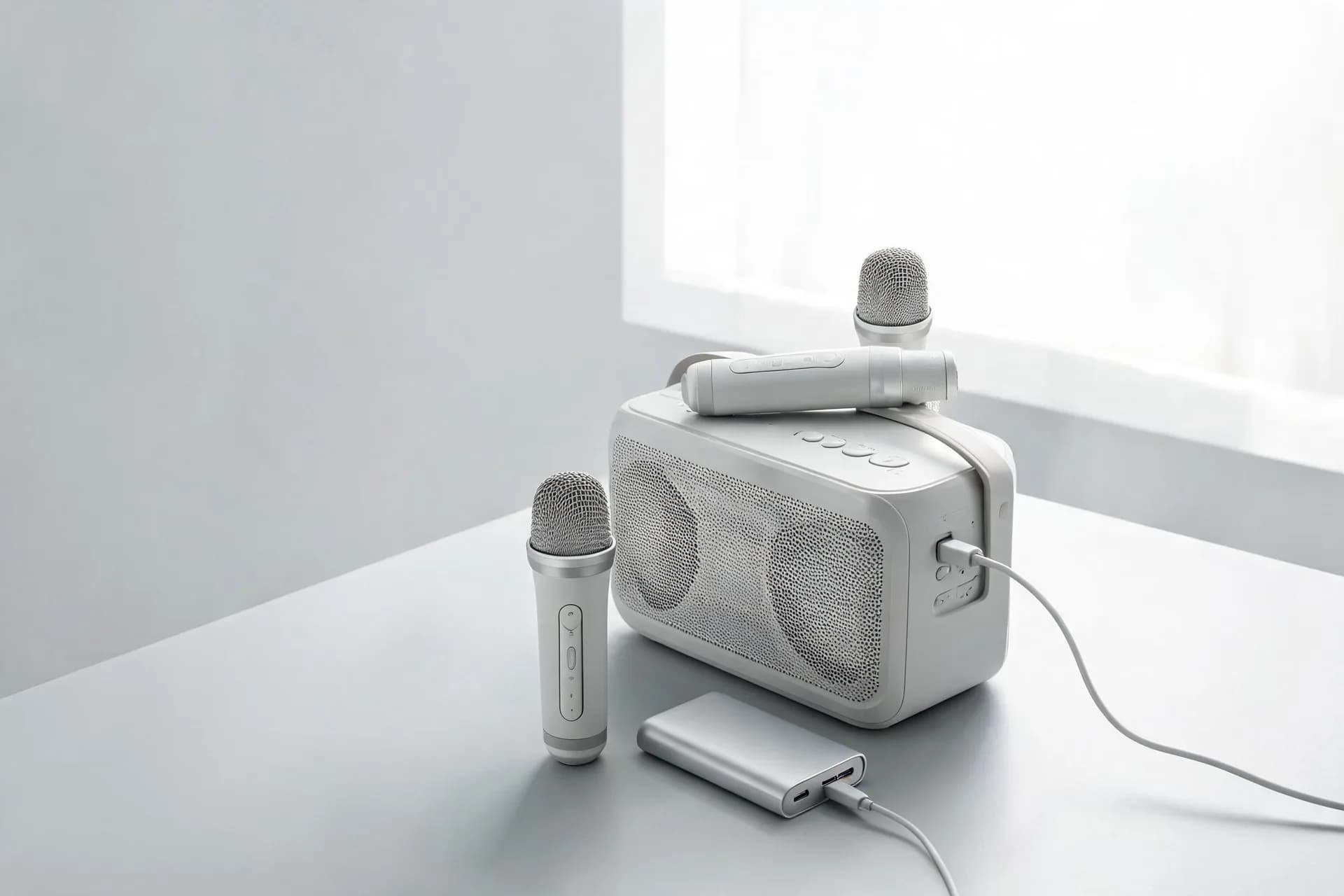
Short answer: look for two microphones, a lip-sync-friendly connection to your TV, clear vocals at home-friendly volume, and simple controls that anyone can use. Then size the system to your room, not to a marketing watt number. Start with the essentials, add a few nice extras, and do quick tests before a party.
Below you’ll find the plan: essentials → room-fit pyramid → nice-to-haves → red/yellow flags → 5-minute setup maps → 5-minute tests → mini checklist → FAQs.

The Essentials (must-haves for most people)
Two microphones for duets.
Singing together is the point. Two mics avoid passing one mic around or buying a second later. Wireless is convenient. Wired is fine if cables won’t trip anyone. Either way, you want separate mic volume. Duets need quick balancing.
Lip-sync-friendly connection to your lyric video.
Use HDMI ARC/eARC or optical (TOSLINK) from the TV to your machine or speaker. This path keeps audio in step with on-screen lyrics. Avoid routing the TV’s audio to the machine over Bluetooth. TV→Bluetooth often adds a visible delay. If your TV and machine support it, ARC/eARC is the simplest.
Clear vocals at “conversation-plus” volume.
At home, you want words to be easy to understand without rattling windows. Prioritize vocal clarity and intelligibility. Strong sub-bass is not the goal for karaoke. Think crisp consonants and natural mids. A system that stays clear at low to moderate volume is better for apartments and families.
Simple echo only.
A light echo can add room feel and confidence. Overdone effects blur the words. Look for one basic echo/reverb knob you can set low. That’s enough.
Inputs you’ll actually use.
You’ll likely stream from a phone or tablet. So Bluetooth is helpful for backing tracks. Keep AUX for a wired source. USB/TF is handy if you keep offline tracks. Ignore ports you’ll never touch.
Guest-proof controls.
You want a clear power button, labeled knobs, and quick pairing. If guests can’t figure it out in 30 seconds, you’ll spend the night troubleshooting. Big, obvious controls reduce stress.
Room-Fit Pyramid (pick by your space, not by wattage)
Choose the level that matches your venue and neighbors. Bigger is not always better. Room layout and placement beat raw power.
Level 1 – Apartment/Small Room
-
Compact all-in-one box with two mics.
-
Designed for low-volume clarity.
-
Fast teardown and storage.
-
Sits on a shelf or small stand.
-
Minimal cables. Fewer things to tug or trip on.
-
Aim speakers away from mics to reduce feedback.
Level 2 – Living Room
-
TV connection via ARC/eARC or optical to keep lips in sync.
-
Two mics, separate volumes, light echo.
-
Speakers placed near the TV, in front of singers.
-
“Clean look” matters here. Hide cables. Use a compact unit that blends with furniture.
-
Enough headroom to fill an open room without shouting.
Level 3 – Den/Basement Party
-
More headroom or a small PA-style unit.
-
Simple feedback control is useful (a notch filter or a feedback-resistant mic capsule).
-
Consider mic stands for stability.
-
Plan cable runs before guests arrive. Tape them down if needed.
-
Keep a little distance between speakers and singers for clarity and feedback safety.
Level 4 – Patio/Travel
-
Battery power and a carry handle for easy moves.
-
Wind can scatter sound, so use windscreens on mics.
-
Keep volumes neighbor-friendly. The goal is fun, not a complaint.
-
Shade the unit from sun and light rain. Splash-resistance is a plus outdoors.
Nice-to-Haves (good, not mandatory)
-
USB-C charging and solid battery runtime if you plan to move rooms or go outside.
-
Voice effects (chipmunk/monster/gender). Fun for a few songs. Use lightly so lyrics stay clear.
-
Recording or mix-out to capture practice runs or share clips.
-
Replaceable windscreens and a sturdy metal grille for hygiene and durability.
-
App setup that respects privacy. It’s nice if you can adjust basics without creating an account. Local Bluetooth control is often enough.
Red–Yellow Flag Checker
RED flags (strong avoid):
-
TV→speaker Bluetooth as the only path for lyrics. Lip-sync is likely off.
-
One shared knob for everything. No separate mic volume means constant compromises.
-
Loud but muddy vocals. If you can’t hear consonants at indoor levels, pass.
YELLOW flags (consider carefully):
-
Only one microphone in the box. Duets become awkward.
-
Heavy echo as the default. You’ll spend time dialing it down.
-
Mystery ports and unlabeled buttons. The learning curve becomes your problem.
Quick Setup Maps (copy-and-go)
These are practical starting layouts. Adjust to your space.
Apartment Night (10 min)
-
Open a karaoke app on the TV.
-
Connect TV → machine with ARC/eARC or optical.
-
Place the unit below the TV, facing the seating area.
-
Two mics on the coffee table. Fit windscreens.
-
Set a light echo and moderate mic gain.
-
Do a quick neighbor check (step into the hall; ensure speech is barely intelligible).
Family Living Room (20 min)
-
Same TV → ARC/eARC/optical path.
-
Speakers in front of singers, a few feet away.
-
Balance mics for a duet at indoor levels.
-
Keep remote and pairing instructions on the TV stand.
-
Plan a quick teardown: power, cables, and mic charging spot.
Backyard/Patio (30 min)
-
Use a battery unit on a table or stand.
-
Fit windscreens. Shade the unit.
-
Map safe cable paths. Tape if necessary.
-
Set a max volume ceiling early. Keep clarity, avoid projecting across the block.
-
Keep the mics in front of the speaker and a step to the side to reduce feedback.
5-Minute Pre-Buy/Home Test (do these before a party)
Clap Test for Lip-Sync
Play a karaoke video with a visible singer. Clap once on camera or along with a beat. Watch the hand strike and listen. If sound lags visibly, fix the connection. Use ARC/eARC or optical.
Two-Mic Duet Check
Sing together at indoor levels. Bring one voice up, then the other. Both should be equally clear without pushing overall volume. If one person disappears in the mix, you need more mic gain or better vocal clarity.
Feedback Walk
Raise mic volume slowly while holding a mic in a normal singing position. Walk a loop in front of the speaker and slightly to the side. Stop at the first squeal. That’s your limit. If it squeals too soon, lower echo, turn the speaker a few degrees, or increase distance.
Neighbor Check
Open the door, step into the hallway or porch, and listen. You should hear words as barely intelligible. If you can understand full lyrics outside, turn it down a notch.
Battery Reality (if portable)
Set your normal “conversation-plus” volume. Sing for 30 minutes. Check the battery indicator. That drop is a good runtime estimate. Plan recharges around that.
Mini Buyer’s Checklist (copy this into your notes)
-
Two mics plus separate mic volume
-
ARC/eARC or optical for lyric video
-
Clear vocals at low–moderate volume
-
Simple echo only
-
Inputs you’ll use (Bluetooth/AUX/USB/TF)
-
USB-C & battery if you move rooms
-
Big, labeled controls; quick pairing
FAQs
Do I need high wattage?
Not at home. Focus on clarity at indoor volume. A clean midrange beats a big watt number you’ll never use.
Why avoid TV→Bluetooth for lyrics?
It often adds delay between video and sound. ARC/eARC or optical keeps lips in sync with the words you see.
Are two wireless mics stable at home?
Yes, with sane mic gain and the speaker placed in front of the singers. Keep some distance, and use windscreens.
Do I need a subwoofer?
Not for karaoke. You want intelligible vocals, not club-level bass. A balanced sound with clear mids is better.
Can kids use the same unit?
Yes. Add windscreens for hygiene, set lower volume, and keep effects light so lyrics stay clear.
Conclusion
So, what should I look for in a karaoke machine? Start with two microphones and separate mic control, a lip-sync-friendly TV connection (ARC/eARC or optical), clear vocals at indoor levels, and guest-proof controls. Size the system to your room using the pyramid, and confirm your choice with the 5-minute tests. Keep it simple. Add features only when they improve clarity, comfort, and ease.
Recommended Products