
The 2 Best Live Sound Cards for Live Streaming Singing in 2024
Introduction
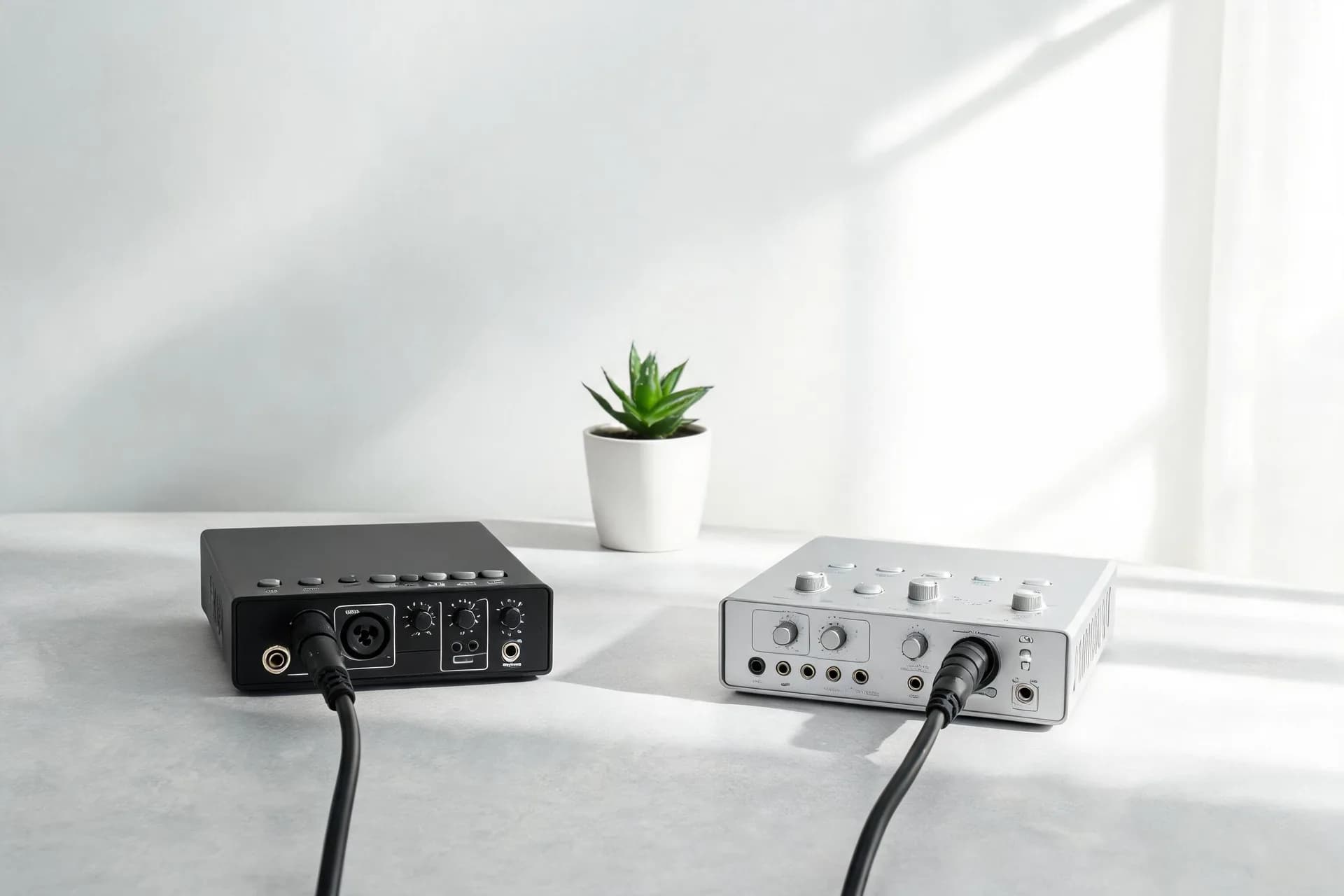
Sound cards play a vital role in ensuring premium sound during online streaming. Whether producing podcasts, gaming, or live musical performances, an effective sound card significantly enhances audio quality, distinguishing you from others. In 2024, an ideal live broadcast sound card increases your stream’s professionalism. We will discuss why sound quality matters and recommend suitable sound cards.
Key Features of Ideal Live Broadcast Sound Cards

1. Low Latency: Latency, or time lag between your live voice and audience hearing, can disrupt a broadcast. A proficient sound card guarantees near-zero latency, maintaining synchronization.
2. Stability: Unwanted audio drops or distortions are unacceptable during a broadcast. A dependable sound card ensures consistent, uninterrupted audio.
3. Sound Quality Enhancement: A superior sound card enhances your audio’s tone and clarity, adding depth and presence to your voice.
4. Driver Compatibility: Optimal sound cards operate smoothly across various operating systems like Windows, macOS, or Linux, eliminating driver complications.
5. Ease of Use: Setting up a sound card shouldn't be a daunting task. The most user-friendly sound cards require minimal setup allowing you to concentrate on your broadcast.
Common Audio Challenges During Live Broadcasting

A variety of factors can affect live broadcast audio including background noise and substandard microphones. Fortunately, a competent sound card can rectify these issues by:
1. Minimizing Noise: Many sound cards incorporate DSP noise reduction, eliminating extraneous background sounds, focusing solely on your voice.
2. Reducing Distortion: Whether it's static hum from low-cost microphones or interference from electronic devices, a sound card can refine and cleanse your audio for a sharper, cleaner broadcast.
Suitable Types of Sound Cards for Live Broadcasting

There isn't a universal sound card solution. Your selection depends on your live streaming genre and equipment requirements. Here are three primary types of sound cards:
1. USB Sound Cards
USB sound cards are portable and user-friendly, ideal for mobile broadcasters.
Pros:
Plug-and-play
Portable and compact
Ideal for mobile devices
Cons:
Limited inputs and features compared to high-end models
2. Built-in Sound Cards (PCIe)
These sound cards deliver robust performance, perfect for advanced live broadcasts. Typically installed internally in computers via PCIe slots, they offer peak performance for intricate audio processing.
Pros:
High-quality sound processing
Ideal for complex, professional setups
Capable of handling high-performance tasks
Cons:
Non-portable
Requires installation in desktop setups
3. External Audio Interfaces
These advanced audio interfaces offer numerous connection options, perfect for broadcasters needing to connect multiple devices.
Pros:
Multiple input and output options
Ideal for musicians or podcasters
Greater control over audio processing
Cons:
Larger and less portable
Typically pricier
Selecting a Sound Card for Effective Live Broadcasts

Prioritizing suitable characteristics ensures your sound selection meets your live broadcast's unique demands.
1. Live Broadcast Content
Recognize diverse audio needs based on various live broadcast genres:
Gaming: Opt for low-latency, dependable performance with superior voice communication.
Music Broadcasting: Look for multi-input capability with minimal distortion for optimal audio quality.
Podcasts/Interviews: Require clear vocals with multiple guest mics. A sound card emphasizing clarity and noise reduction is ideal.
2. Budget
Sound cards span varying prices, offering quality without excessive cost:
Entry-Level: The Kinglucky C18, a USB sound card, delivers exceptional quality with straightforward setup.
Mid-Range: The Kinglucky V20PRO, a mid-range model, offers superior performance at an affordable price.
High-End: Professionals seeking premium audio quality might opt for a more robust external audio interface.
3. Brand Trust
Brand reputation is vital when choosing audio equipment. Established brands such as Kinglucky offer trusted quality, usability, and support. Their reliability guarantees uninterrupted broadcasts.
Kinglucky C18 Live Sound Card: Entry-Level USB Sound Card
 The Kinglucky C18 is an entry-level sound card that offers a high-quality audio experience. It’s perfect for those just starting out in live broadcasting. With its built-in DSP noise reduction and Dolby Surround Sound, it enhances the audio experience for your audience.
Pros:
Simple setup
Low-latency performance
48V phantom power for professional microphones
Kinglucky V20PRO Live Sound Card: Cost-Effective Choice
 The Kinglucky V20PRO is a mid-range sound card that strikes a balance between affordability and performance. It supports multiple microphones, features real-time noise reduction, and has lossless audio transmission, making it a popular choice for small live broadcasts.
Pros:
Supports multiple microphones
Built-in noise reduction for clearer sound
Easy setup for beginners
Installation Steps:
1. Connect Your Sound Card: Plug the USB sound card into your device or follow manufacturer’s instructions for PCIe or external interfaces.
2. Install Drivers (if needed): Some advanced models require driver installation. Visit the manufacturer’s site for updates.
3. Configure Your Broadcast Software: Select the sound card as your primary audio input device within your broadcasting platform.
1. Adjust Your Microphone Levels: Balance your microphone volume to prevent distortion or muffling.
2. Use Noise Reduction Tools: Enable noise reduction (if available) to minimize background noise.
3. Test Your Audio: Always perform a sound check prior to going live.
Common Live Sound Card Questions and Answers

Q: Do I need a sound card if my computer has one built-in?
A: Yes, for superior audio quality. Built-in sound cards often lack functionality and can cause latency or noise issues.
Q: Can I use a sound card for mobile streaming?
A: Absolutely. USB sound cards are portable and compatible with mobile devices for on-the-go live streaming.
Quality sound is equally critical to live broadcasts. The appropriate sound card can significantly elevate your audience's experience through clear, professional-grade audio. Regardless of your expertise level, there exists a sound card tailored to your needs. For starters, the Kinglucky C18 offers a user-friendly, high-quality option, whereas the Kinglucky V20PRO caters to professionals seeking advanced features. The final decision lies with you - which one suits your needs best?
Sound cards play a vital role in ensuring premium sound during online streaming. Whether producing podcasts, gaming, or live musical performances, an effective sound card significantly enhances audio quality, distinguishing you from others. In 2024, an ideal live broadcast sound card increases your stream’s professionalism. We will discuss why sound quality matters and recommend suitable sound cards.
Key Features of Ideal Live Broadcast Sound Cards
2. Stability: Unwanted audio drops or distortions are unacceptable during a broadcast. A dependable sound card ensures consistent, uninterrupted audio.
3. Sound Quality Enhancement: A superior sound card enhances your audio’s tone and clarity, adding depth and presence to your voice.
4. Driver Compatibility: Optimal sound cards operate smoothly across various operating systems like Windows, macOS, or Linux, eliminating driver complications.
5. Ease of Use: Setting up a sound card shouldn't be a daunting task. The most user-friendly sound cards require minimal setup allowing you to concentrate on your broadcast.
Common Audio Challenges During Live Broadcasting
1. Minimizing Noise: Many sound cards incorporate DSP noise reduction, eliminating extraneous background sounds, focusing solely on your voice.
2. Reducing Distortion: Whether it's static hum from low-cost microphones or interference from electronic devices, a sound card can refine and cleanse your audio for a sharper, cleaner broadcast.
Suitable Types of Sound Cards for Live Broadcasting
1. USB Sound Cards
USB sound cards are portable and user-friendly, ideal for mobile broadcasters.
Pros:
Plug-and-play
Portable and compact
Ideal for mobile devices
Cons:
Limited inputs and features compared to high-end models
2. Built-in Sound Cards (PCIe)
These sound cards deliver robust performance, perfect for advanced live broadcasts. Typically installed internally in computers via PCIe slots, they offer peak performance for intricate audio processing.
Pros:
High-quality sound processing
Ideal for complex, professional setups
Capable of handling high-performance tasks
Cons:
Non-portable
Requires installation in desktop setups
3. External Audio Interfaces
These advanced audio interfaces offer numerous connection options, perfect for broadcasters needing to connect multiple devices.
Pros:
Multiple input and output options
Ideal for musicians or podcasters
Greater control over audio processing
Cons:
Larger and less portable
Typically pricier
Selecting a Sound Card for Effective Live Broadcasts
1. Live Broadcast Content
Recognize diverse audio needs based on various live broadcast genres:
Gaming: Opt for low-latency, dependable performance with superior voice communication.
Music Broadcasting: Look for multi-input capability with minimal distortion for optimal audio quality.
Podcasts/Interviews: Require clear vocals with multiple guest mics. A sound card emphasizing clarity and noise reduction is ideal.
2. Budget
Sound cards span varying prices, offering quality without excessive cost:
Entry-Level: The Kinglucky C18, a USB sound card, delivers exceptional quality with straightforward setup.
Mid-Range: The Kinglucky V20PRO, a mid-range model, offers superior performance at an affordable price.
High-End: Professionals seeking premium audio quality might opt for a more robust external audio interface.
3. Brand Trust
Brand reputation is vital when choosing audio equipment. Established brands such as Kinglucky offer trusted quality, usability, and support. Their reliability guarantees uninterrupted broadcasts.
Live Sound Card Recommendations
Kinglucky C18 Live Sound Card: Entry-Level USB Sound Card
Pros:
Simple setup
Low-latency performance
48V phantom power for professional microphones
Kinglucky V20PRO Live Sound Card: Cost-Effective Choice
Pros:
Supports multiple microphones
Built-in noise reduction for clearer sound
Easy setup for beginners
Installation Steps:
1. Connect Your Sound Card: Plug the USB sound card into your device or follow manufacturer’s instructions for PCIe or external interfaces.
2. Install Drivers (if needed): Some advanced models require driver installation. Visit the manufacturer’s site for updates.
3. Configure Your Broadcast Software: Select the sound card as your primary audio input device within your broadcasting platform.
Live Sound Card Optimization Tips
1. Adjust Your Microphone Levels: Balance your microphone volume to prevent distortion or muffling.
2. Use Noise Reduction Tools: Enable noise reduction (if available) to minimize background noise.
3. Test Your Audio: Always perform a sound check prior to going live.
Common Live Sound Card Questions and Answers
A: Yes, for superior audio quality. Built-in sound cards often lack functionality and can cause latency or noise issues.
Q: Can I use a sound card for mobile streaming?
A: Absolutely. USB sound cards are portable and compatible with mobile devices for on-the-go live streaming.
Summary
Quality sound is equally critical to live broadcasts. The appropriate sound card can significantly elevate your audience's experience through clear, professional-grade audio. Regardless of your expertise level, there exists a sound card tailored to your needs. For starters, the Kinglucky C18 offers a user-friendly, high-quality option, whereas the Kinglucky V20PRO caters to professionals seeking advanced features. The final decision lies with you - which one suits your needs best?