Is It Worth Getting a Karaoke Machine? A Clear, No-Nonsense Buyer’s Guide
Is It Worth Getting a Karaoke Machine? A Clear, No-Nonsense Buyer’s Guide
Practical value analysis for an international e-commerce audience—cost vs. alternatives, usage, space/noise realities, feature tiers, and a simple decision framework.
Executive Summary
If you host gatherings or have kids who love to perform, a home karaoke setup often pays for itself in a few nights—financially and emotionally. If you rarely entertain and live in a noise-sensitive apartment, the value drops and space becomes the bigger constraint. Teachers, community organizers, and college houses gain the most from “always-ready” equipment. Verdict: It’s worth it for frequent use and family/party goals; otherwise, start with a Bluetooth microphone plus a speaker or enjoy the occasional bar visit.
What “Worth It” Really Means
When people ask, “Is it worth getting a karaoke machine?” they’re asking more than a price question. “Worth” blends money, usage, space, noise, and goals. Think of value as cost per good night—if a system turns ordinary evenings into low-effort, high-fun gatherings, it earns its keep.
- Money: Purchase, accessories, and minimal upkeep.
- Usage: Weekly? Monthly? Twice a year?
- Space: A shelf, closet, or rolling cart to store a toaster-sized speaker and two mics.
- Noise: Neighbor proximity and quiet-hour norms.
- Goals: Family bonding, kids’ creativity, language practice, friend hangouts, or event hosting.
Cost of Ownership vs. Alternatives
Upfront & Accessories
- Entry all-in-one (1–2 wireless microphones): ≈ $20–$180
- Mid-range (better DSP/tuning, richer effects): ≈ $180–$350
- Premium (higher output, screens, mixing): ≈ $350–$800+
- Add-ons: Extra mic ($20–$80), mic stand ($15–$40), tablet/lyric stand ($15–$30)
Two-Year TCO (Total Cost of Ownership)
- Battery & wear: Rechargeables slowly lose capacity; budget $20–$40 or accept shorter runtime.
- Cables/adapters: USB-C and small bits: $10–$25 total.
- Subscriptions (optional): Free YouTube tracks or karaoke apps at $5–$15/month ($120–$360 over 24 months).
- Light maintenance: Windscreens or grills: $5–$20.
Alternatives
- Karaoke bars: $15–$30+ per person. Four friends × three visits ≈ $180–$360 per year.
- Renting a machine: $40–$100/day plus deposit/delivery—good for one-offs, not for frequent use.
- DIY Bluetooth mic + speaker: Cheapest if you already own a solid speaker. Downsides: possible latency, limited mixing/effects.
Simple Break-Even Example
Mid-range all-in-one costs $250. A bar night is $25 per person × 4 people × 3 visits = $300. You’re ahead after three bar nights—every use afterward lowers your “cost per party.”
Scenario Planner: Who Wins, Who Doesn’t
Apartment Dweller (Thin Walls)
Usage: Low–moderate; noise is the limiting factor. Value: Medium if you keep volume low and sing at friendly hours.
- Pick a compact unit with good mic clarity at low volume.
- Face the speaker inward; add rugs/curtains to absorb sound.
- Cap sessions at 60–90 minutes and end by 9–10pm.
Family with Kids (Ages 4–12)
Usage: Medium–high; repeat play and birthdays. Value: High—screen-free entertainment with learning benefits.
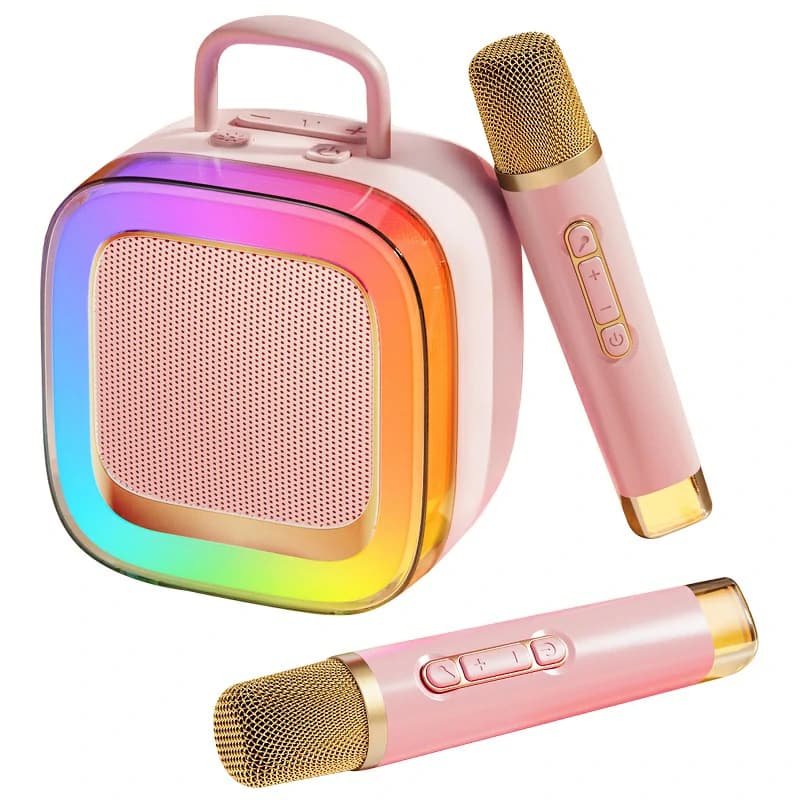
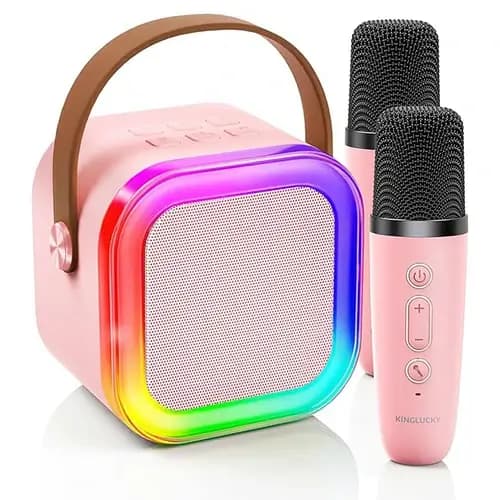
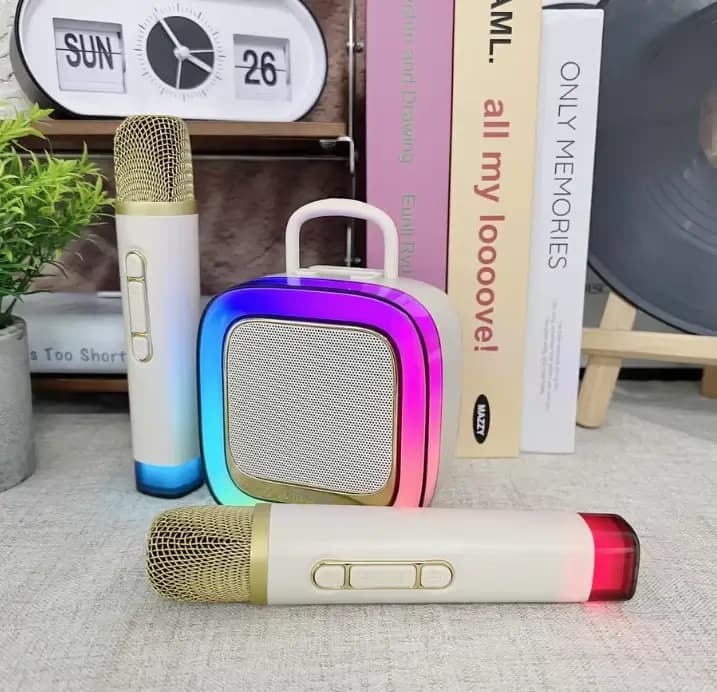
- Look for two wireless microphones, gentle echo/voice effects, LED lights, Bluetooth 5.x, and USB-C charging.
- A kid-friendly karaoke speaker—a model like Kinglucky K88—covers duets and easy setup without a complex rack.
Teachers / Event Hosts / Community Leaders
Usage: Moderate; school fairs, club events. Value: Very high—the “always-ready” factor beats renting.
- Prioritize portability, battery life, clear vocal tuning, and extra mic inputs.
- Keep a short playlist and two mics for fast rotations.
College House / Shared Flat
Usage: High in semesters; frequent gatherings. Value: High—cheaper than bars and easy to share.
- Mid-range unit with robust build, quick pairing, and basic DSP/echo.
- Set house “quiet hours” and store it in a shared cabinet.
Experience Premium (Non-Monetary Gains)
- Confidence & presence: Safe space to practice projecting a voice and managing nerves.
- Social bonding: Duets and group choruses create memories that outlast movie nights.
- Kids’ creativity: Role-play, setlists, and “hosting” build leadership and turn-taking.
- Language learning: Lyrics reinforce vocabulary and pronunciation—great for multilingual homes.
Feature Tiers & When They Matter
Basic (Great for Starters)
- 1–2 mics, Bluetooth pairing, simple echo, small LEDs.
- Fits small apartments and modest budgets.
Mid-Range (Best Value for Most)
- Two wireless microphones, cleaner DSP, lower mic latency, richer effects, portable but louder speaker, Bluetooth 5.x, USB-C.
- Ideal for families, shared flats, and event hosts.
Premium (For Enthusiasts)
- Higher output, multiple inputs/mixing, dedicated screens, expanded effects, sometimes recording.
- For larger rooms, frequent parties, or audio hobbyists.
Mic latency and DSP quality matter more than most spec sheets admit. Better processing means clearer vocals at lower volumes—friendlier to neighbors and kids’ ears.
Common Objections, Fairly Addressed
“It’s too noisy.”
Use volume limits, schedule earlier sessions, aim the speaker away from shared walls, and add soft furnishings. Clearer mics let you run quieter without losing the “stage” feeling.
“We don’t have space.”
Choose a compact all-in-one with a carry handle; store mics in a small bin. Many units sit vertically on a shelf or slide under a bed.
“Setup is complicated.”
Look for one-button pairing, labeled controls, and a simple display. After first pairing, most systems reconnect in seconds.
“We might not use it enough.”
Pilot first: borrow a friend’s unit or try a Bluetooth mic with your existing speaker. If you use it three or four times, the mid-range purchase is usually justified.
Mini Decision Tree
- 1. Will you host 4+ sing nights in the next 12–18 months?
Yes → 2 | No → Try Bluetooth mic first. - 2. Do you have space for a toaster-sized speaker and two mics?
Yes → 3 | No → Choose compact or skip. - 3. Are neighbors fine if you keep volume modest and end by 9–10pm?
Yes → 4 | No → Small unit + low-volume plan, or skip. - 4. Will multiple people actually use it (kids, roommates, friends)?
Yes → Buy (mid-range best value). | No → Consider basic/DIY first. - 5. Already own a quality portable speaker?
Yes → Test with a Bluetooth mic. | No → All-in-one is simpler.
Value Scorecard
| Use Frequency | Space | Audience Size | Budget | Tech Comfort | Verdict |
|---|---|---|---|---|---|
| 2–4×/month | Shelf/closet | 2–8 | $$–$$$ | Plug-and-play | Buy (Mid-Range) |
| 1×/quarter | Tight | 2–4 | $–$$ | OK with Bluetooth pairing | Consider (Basic or DIY) |
| Rare/uncertain | None | 2 | $ | Low | Skip/Rent |
| Weekly club/class | Portable cart | 5–20 | $$–$$$ | Comfortable with inputs | Buy (Mid-Range → Premium) |
Cost–Benefit in One Paragraph
If a bar night averages $25 per person and you’re four people, that’s $100 per night. A $240 mid-range home karaoke setup breaks even in about three similar nights. After that, your “cost per party” trends toward zero—especially with free karaoke tracks and USB-C recharging.
Internal-Link Suggestions
To go deeper, you might skim what is a karaoke machine (components, inputs, and setup) and a follow-up guide on which karaoke machine is best for different spaces and budgets.
So…Is It Worth Getting a Karaoke Machine?
For families, frequent hosts, teachers, and shared flats, the answer is usually yes. The math is straightforward, and the non-monetary benefits—confidence, bonding, creativity—are real. If space is tight and your usage is uncertain, start with a Bluetooth mic + speaker or rent once. If you fall in love with the experience, a mid-range all-in-one with two wireless microphones, simple echo/voice effects, LED lights, Bluetooth 5.x, and USB-C will serve you for years. And if you still wonder, “Is it worth getting a karaoke machine?”—the answer depends on how often you’ll sing and how much you value easy, recurring fun at home.
FAQ
How long do karaoke machines last?
With reasonable care, rechargeable all-in-one units often last 3–5 years or more. Batteries gradually lose capacity; plan for shorter runtimes after heavy use or consider a replacement if the model allows it.
Is a karaoke machine noisy for apartments?
It can be if you crank it. Keep volume modest, sing earlier in the evening, aim the speaker away from shared walls, and add rugs/curtains to absorb sound. Better mic clarity lets you sing happily at lower levels.
What features are must-haves for families?
Two wireless microphones for duets, easy Bluetooth pairing, USB-C charging, volume control, and simple echo/voice effects. LED lights are fun for parties—make sure they’re optional for quiet nights.
Are two wireless microphones worth it?
Yes. Duets reduce waiting, help shy singers start as a pair, and keep kids engaged during parties and playdates.
Buy vs rent karaoke—when should I rent?
Rent for one-off events when storage or noise is a concern, or if you’re unsure about ongoing use. If you plan multiple events per year, buying quickly becomes cheaper and more convenient.
What’s the difference between a karaoke machine and a Bluetooth mic + speaker?
A karaoke machine is an integrated home karaoke setup with vocal tuning, effects, and dual-mic handling. A Bluetooth mic with a standard speaker is cheaper but may suffer from latency and limited mixing.
Keywords used naturally: “Is it worth getting a karaoke machine” (primary), plus “karaoke machine value,” “buy vs rent karaoke,” “home karaoke setup,” “wireless microphones,” and “family party entertainment.”
Recommended Products