How to Work a Karaoke Machine
Introduction
What is a Karaoke Machine?

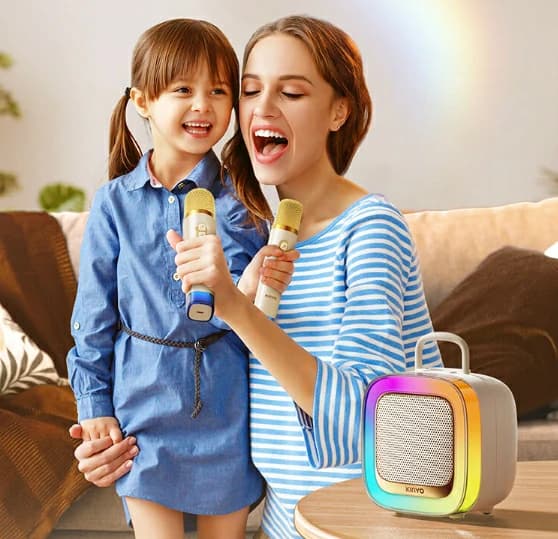
Karaoke machines, providing both enjoyment and interactivity, allow users to belt out their favorites accompanied by song lyrics displayed on screens. Designed for parties, social gatherings, and personal use, these machines blend music and vocals enabling everyone to perform.
Functions and Uses of Karaoke Machines

Karaoke machines feature various features to enhance the user experience including:
Karaoke Machine Equipment Composition

Karaoke Machine Installation and Connection

Karaoke Machine Basic Operation Guide

Karaoke Machine Advanced Functions

Karaoke Machine Troubleshooting Common Problems

Karaoke Machine No Sound or Distorted Sound?
Karaoke Machine No Display or Garbled Text?
Karaoke Machine Microphone Not Working?
Karaoke Machine Care and Maintenance

Daily Cleaning
Clean the machine and microphones with a dry or slightly moistened cloth post-use.
Refrain from using harsh chemicals on screens or speakers to prevent damage.
Overheating and Moisture Prevention
Position the machine in a well-ventilated area to prevent overheating.
Stow the machine in a non-humid location to prevent water damage.
Periodic Software Updates
Perform regular checks on the manufacturer’s website or machine interface for available software upgrades. These updates enhance performance and introduce new features.
Karaoke Machine Safety Precautions
Electric Shock Prevention
Ensure the machine is connected to a grounded outlet and avoid using damaged power cords. Avoid operating near water sources.
Hearing Protection
Minimize prolonged exposure to loud volumes to protect hearing.
Child Safety
Supervise minors when using the machine to prevent equipment damage or accidental injuries.
Kinglucky K9 Karaoke Machine

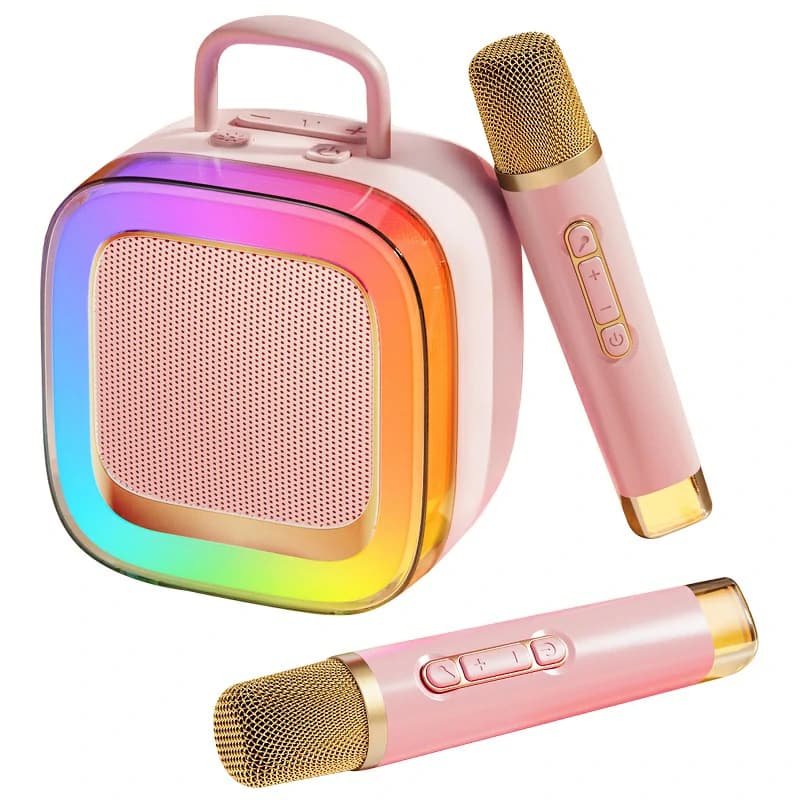
The Kinglucky K9 impresses with its 20W stereo speakers and dual-core Jelly high-end chip, providing immersive sound. Its nano titanium alloy speakers and AI voice command facilitate song selection, and its 35-hour battery life makes for uninterrupted karaoke sessions.
Kinglucky K12 Mini Karaoke Machine

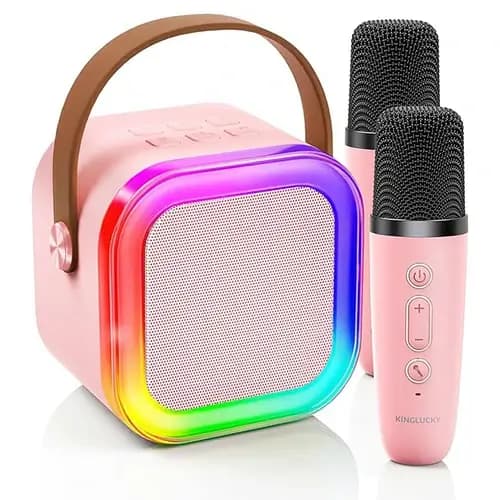
The Kinglucky K12 offers 360° surround sound, 5 magic voice effects, and vibrant music-synced lighting. It supports multiple connectivity options, including Bluetooth, TF card, USB, and AUX. With an 8-hour battery life and compact design, it's perfect for portability.
Kinglucky S16 Karaoke Machine With 2 Microphones
For a professional setup, the Kinglucky S16 is optimal. Boasting dual 4-inch full-range speakers, it delivers a high-quality KTV experience. The 5000mAh battery extends playtime to 11 hours and Bluetooth 5.3 guarantees stable, high-quality transmission. Leather wrapping and a portable sling add style and convenience for indoor and outdoor use.
Familiarization incrementally eases usage of a karaoke system. Fine-tuning audio, leveraging advanced capabilities such as recording, and utilizing rating mechanisms provide abundant recreational opportunities. Adhering to this guidance ensures proficiency in fundamental operations while maximizing amusement potential. Engage the microphone, select your preferred tune, and seize the limelight!
What is a Karaoke Machine?
Functions and Uses of Karaoke Machines
- Music Playback: Backup tracks enable singing along.
- Lyrics Display: Synchronized lyrics appear on a display.
- Voice Amplification: Microphones capture voices and project them side-by-side with music.
- Audio Effects: Echo or reverb effects enhance vocal quality.
Karaoke Machine Equipment Composition
Key Components of a Karaoke Machine
- Microphone: Capture and amplify voices.
- Display: Displays song lyrics, either integrated or external.
- Audio Output: Speakers or audio systems play both music and vocals.
- Playback Device: May be a CD player, USB port, or internet-connected system for streaming music.
Different Types of Karaoke Machines
- Stand-Alone Machines: Self-contained units with built-in speakers, displays, and microphones.
- Integrated Systems: Connect to external displays and audio equipment for enhanced karaoke experience.
- Karaoke Apps: Installable on smartphones, tablets, or smart TVs; connects to a microphone and speaker system via Bluetooth.
Karaoke Machine Installation and Connection
Connecting the Karaoke Machine to External Devices
To maximize your karaoke machine's potential, it should be connected to external devices like a TV or superior sound system. Follow these steps:- Power Up: Ensure the machine is powered and switched on.
- Connect to the TV: Use an HDMI or AV cable if the machine lacks a built-in display.
- Connect to Audio Devices: Enhance sound quality by linking the machine to external audio systems using RCA or AUX cables.
Wiring Steps and Precautions
Ensure power is off before connecting cables. Secure all connections before turning on the system. Avoid placing the machine near water or damp areas.Karaoke Machine Basic Operation Guide
Karaoke Machin Powering On/Off the Machine
- Power On: Plug in and activate the machine. Wait for startup.
- Power Off: Press the off button then wait until the system fully shuts down before disconnecting.
Karaoke Machin Amplifying Volume, Tone, and Reverb
- Volume: Adjust separate mic and music volumes using knobs or buttons.
- Tone: Tune bass, treble, and midrange settings to match your voice.
- Reverb: Add echoes to your voice by adjusting reverb controls.
Karaoke Machin Reading and Selecting Songs
- Song Library: Many machines come pre-loaded. Browse and select from a selection interface.
- External Media: Link USB drives, SD cards, or stream songs via cloud services or Bluetooth.
Karaoke Machine Advanced Functions
Karaoke Machin Operation of Recording Feature
- Plug in a USB drive or SD card.
- Engage the “Record” button.
- Perform to your chosen track. Upon completion, engage “Stop” to preserve your recording.
Karaoke Machin Updating and Downloading Song Catalogues
- Establish an Internet connection (where supported).
- Locate the catalogue update menu.
- Opt for downloading new tracks or updates. Additional songs may be found through karaoke applications or websites.
Karaoke Machine Interactive Features and Scoring Systems
Modern karaoke systems often incorporate a scoring mechanism that evaluates performance based on timings and pitches, adding a competitive edge to karaoke evenings. Some machines even permit online sharing or streaming of performances.Karaoke Machine Troubleshooting Common Problems
- Mic: Ensure the microphone is correctly inserted and volume is amplified.
- Speakers: Confirm the speakers or external audio system are securely connected and activated.
- Volume Settings: Verify both the machine's volume and TV/speaker volume are not set excessively low.
Karaoke Machine No Display or Garbled Text?
- Cable Check: Ensure all HDMI or AV cables are firmly attached.
- Input Source: Ensure the TV is tuned to the appropriate input.
- Software Issues: If garbled text appears, reboot the machine or attempt to upgrade the firmware.
Karaoke Machine Microphone Not Working?
- Examine the mic cable for loose connections.
- Consider testing with another microphone.
- For wireless mics, verify the battery or pairing with the machine.
Karaoke Machine Care and Maintenance
Clean the machine and microphones with a dry or slightly moistened cloth post-use.
Refrain from using harsh chemicals on screens or speakers to prevent damage.
Overheating and Moisture Prevention
Position the machine in a well-ventilated area to prevent overheating.
Stow the machine in a non-humid location to prevent water damage.
Periodic Software Updates
Perform regular checks on the manufacturer’s website or machine interface for available software upgrades. These updates enhance performance and introduce new features.
Karaoke Machine Safety Precautions
Electric Shock Prevention
Ensure the machine is connected to a grounded outlet and avoid using damaged power cords. Avoid operating near water sources.
Hearing Protection
Minimize prolonged exposure to loud volumes to protect hearing.
Child Safety
Supervise minors when using the machine to prevent equipment damage or accidental injuries.
Karaoke Machine Recommendations
Kinglucky K9 Karaoke Machine
Kinglucky K12 Mini Karaoke Machine
Kinglucky S16 Karaoke Machine With 2 Microphones

For a professional setup, the Kinglucky S16 is optimal. Boasting dual 4-inch full-range speakers, it delivers a high-quality KTV experience. The 5000mAh battery extends playtime to 11 hours and Bluetooth 5.3 guarantees stable, high-quality transmission. Leather wrapping and a portable sling add style and convenience for indoor and outdoor use.Conclusion
Familiarization incrementally eases usage of a karaoke system. Fine-tuning audio, leveraging advanced capabilities such as recording, and utilizing rating mechanisms provide abundant recreational opportunities. Adhering to this guidance ensures proficiency in fundamental operations while maximizing amusement potential. Engage the microphone, select your preferred tune, and seize the limelight!
Recommended Products