
How to Use Live Sound Card
Introduction
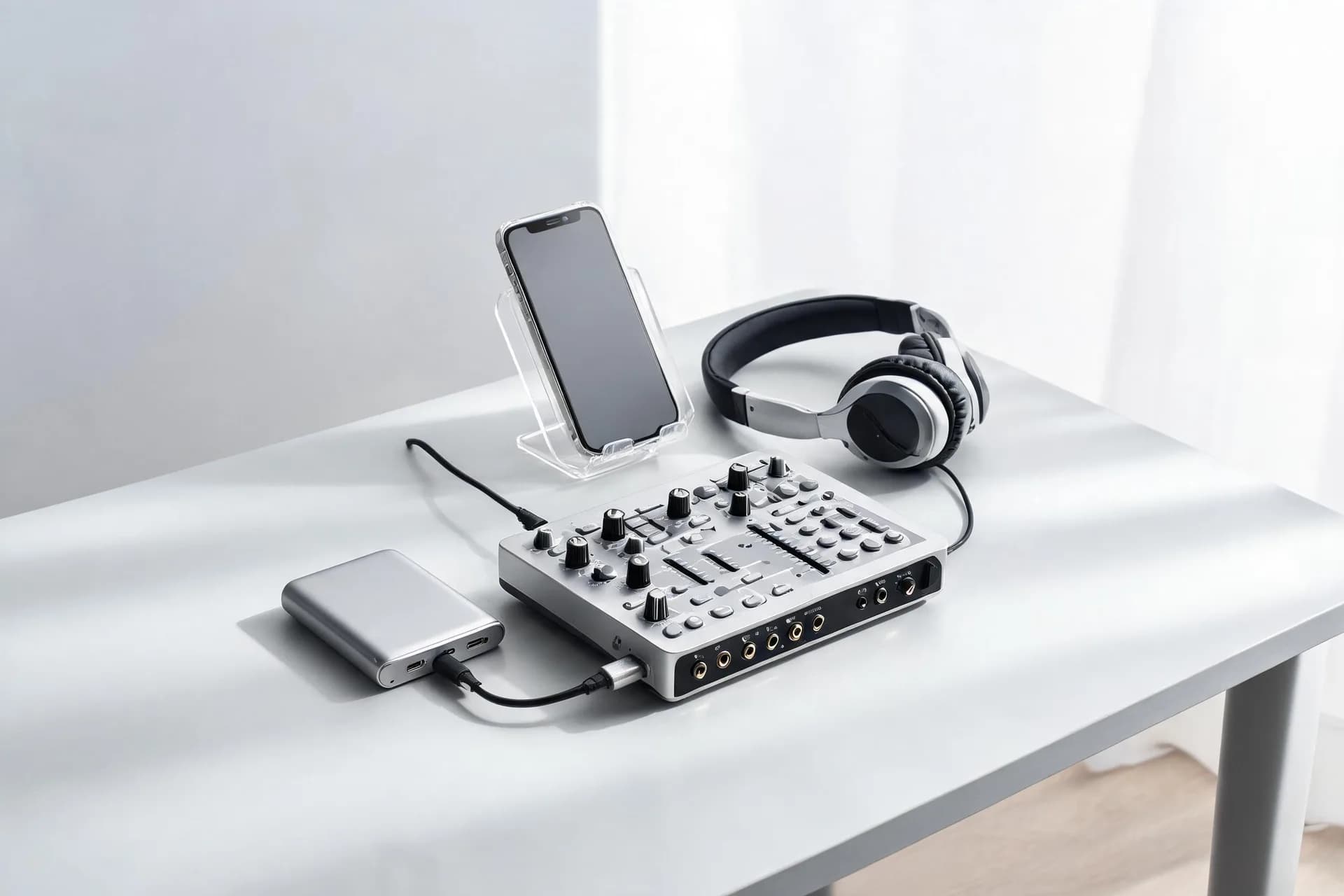
A live sound card provides significant enhancement to real-time audio quality, whether you're conducting live broadcasts, capturing music, or entertaining through karaoke. It optimizes and processes audio signals for premium sound, including features like DSP noise reduction, Dolby surround sound, and phantom power for microphones. These capabilities help elevate your audio experience to a professional level.
Live Sound Card Setup and Connection

The initial step towards utilizing a live sound card involves simple setup procedures:
Step 1: Gather Your Equipment
You will need:
Live Sound Card: Ensure your sound card meets the requirements, such as the Kinglucky C18 or V20PRO models.
Microphone: Either connect a dynamic or condenser microphone. Some sound cards, like the Kinglucky V20PRO, offer built-in 48V phantom power for high-quality condenser microphones.
Cables: Obtain the necessary USB, XLR, or AUX cables based on your sound card.
Device: Connect to your computer, phone, or audio interface.
Step 2: Connect the Sound Card
1. Plug in your sound card: Connect your sound card to a device via USB or OTG digital audio transmission cables for lossless audio conversion.
2. Install drivers (if required): Most sound cards are plug-and-play, but double-check if drivers are needed for your specific model. The Kinglucky V20PRO requires no further setup beyond basic connection.
Step 3: Connect Microphones and Other Devices
Microphone Connection: Insert the microphone into the designated input (XLR for professional mics or standard mic ports). The Kinglucky V20PRO supports multiple microphones.
Instruments: Connect instruments using the line-in inputs.
Step 4: Power On and Test
Ensure all connections are secure before turning on your sound card. Check for proper detection of all inputs.
Live Sound Card Configuration and Adjustment

With your setup complete, it's time to customize your sound card for optimal sound quality.
Adjusting the Gain
Gain determines the input level of your microphone or instrument. Set it appropriately to avoid distortion or inaudibility.
EQ (Equalizer) Settings
Equalization allows you to tailor your sound:
Bass: Boost for warmth.
Midrange: Tune for vocal clarity.
Treble: Enhance for sharpness.
Effects: Reverb, Compression, and More
Built-in effects on sound cards like the Kinglucky C18 and V20PRO add character:
Reverb: Echoes for a larger, more spacious sound. The Kinglucky V20PRO offers a 12-step electro reverb option.
Compression: Smooths audio levels.
Configuration for Different Scenarios
Live Broadcasting: Noise control is vital. Utilize the Kinglucky V20PRO’s noise reduction feature for a clean broadcast.
Recording: High fidelity and clear dynamics are key. For music or podcast recordings, opt for minimal effects and fine-tuned EQ settings for raw, natural sound.
Karaoke: Enjoy fun sound effects and vocal adjustments. The V20PRO allows for customizable voice changes.
Selecting Live Sound Card

During selection, consider your specific requirements. A brief comparison includes:
USB Sound Cards: Ideal for novices due to their plug-and-play simplicity and portability across various devices including laptops, tablets, & smartphones. Notably, the Kinglucky V20PRO boasts stellar performance without requiring driver installation.
PCIe Sound Cards: Integrated into desktops, they're effective in advanced pro studios, delivering high audio quality with minimal latency albeit requiring technical expertise.
Bluetooth-Enabled Sound Cards: Such as the Kinglucky C18, they offer wireless functionality via Bluetooth.
Kinglucky C18 Live Sound Card

Best For: Musicians, home studio setups, and those looking for Bluetooth connectivity.
Key Features:
Bluetooth Connectivity: Allows for wireless audio streaming, making it convenient for mobile recording or family karaoke.
DSP Noise Reduction: Ensures clear, consistent audio quality by reducing unwanted background noise.
Dolby Surround Sound: Provides an immersive audio experience, great for gaming or watching movies.
Family KTV and Recording: Ideal for both casual and professional users, with excellent stereo sound and low latency.
Kinglucky V20PRO Live Sound Card

Best For: Professional live broadcasters, podcasters, and multi-platform streamers.
Key Features:
48V Phantom Power: Supports high-end condenser microphones, ensuring studio-quality sound.
Multi-Microphone Input: Perfect for group performances or interviews, allowing for multiple mic connections.
Noise Reduction: One-key intelligent noise reduction that works effectively even in noisy environments.
Multi-Platform Support: Ideal for content creators, as it supports synchronized live broadcasting across multiple platforms.
Both sound cards offer incredible value and functionality, but your choice should depend on whether you prioritize portability (C18) or professional-grade broadcasting features (V20PRO).
Live Sound Card Common Challenges and Remedies

Challenge 1: Noise/Static
Remedy: Utilize the noise reduction feature present in models like the Kinglucky V20PRO to mitigate ambient sound interference. Additionally, inspect cables for damages or loose connections.
Challenge 2: Audio Feedback
Remedy: Diminish the mic gain or adjust the distance between the microphone and speakers; feedback often results from speaker sound being picked up by the mic.
Challenge 3: Incompatible Device
Remedy: Confirm compatibility between your live soundcard and the device utilized. Update drivers or investigate adapter usage as required for specific smartphone or tablet models.
Live Sound Card Maintenance and Care

Regular Cleaning: Avoid dust accumulation on connectors and ports through regular cleaning with a dry cloth.
Avoid Overheating: Position your soundcard in a well-ventilated area to mitigate risk of overheating during extensive recording sessions.
Stay Upgraded: Continuously monitor firmware updates from manufacturers to enhance performance and incorporate new features.
In essence, utilizing a live soundcard such as the Kinglucky C18 or V20PRO significantly enhances audio quality for live streaming, recording, or karaoke. Following setup, configuration, and maintenance guidelines optimizes your soundcard's performance and delivers professional-grade audio.
A live sound card provides significant enhancement to real-time audio quality, whether you're conducting live broadcasts, capturing music, or entertaining through karaoke. It optimizes and processes audio signals for premium sound, including features like DSP noise reduction, Dolby surround sound, and phantom power for microphones. These capabilities help elevate your audio experience to a professional level.
Live Sound Card Setup and Connection
Step 1: Gather Your Equipment
You will need:
Live Sound Card: Ensure your sound card meets the requirements, such as the Kinglucky C18 or V20PRO models.
Microphone: Either connect a dynamic or condenser microphone. Some sound cards, like the Kinglucky V20PRO, offer built-in 48V phantom power for high-quality condenser microphones.
Cables: Obtain the necessary USB, XLR, or AUX cables based on your sound card.
Device: Connect to your computer, phone, or audio interface.
Step 2: Connect the Sound Card
1. Plug in your sound card: Connect your sound card to a device via USB or OTG digital audio transmission cables for lossless audio conversion.
2. Install drivers (if required): Most sound cards are plug-and-play, but double-check if drivers are needed for your specific model. The Kinglucky V20PRO requires no further setup beyond basic connection.
Step 3: Connect Microphones and Other Devices
Microphone Connection: Insert the microphone into the designated input (XLR for professional mics or standard mic ports). The Kinglucky V20PRO supports multiple microphones.
Instruments: Connect instruments using the line-in inputs.
Step 4: Power On and Test
Ensure all connections are secure before turning on your sound card. Check for proper detection of all inputs.
Live Sound Card Configuration and Adjustment
Adjusting the Gain
Gain determines the input level of your microphone or instrument. Set it appropriately to avoid distortion or inaudibility.
EQ (Equalizer) Settings
Equalization allows you to tailor your sound:
Bass: Boost for warmth.
Midrange: Tune for vocal clarity.
Treble: Enhance for sharpness.
Effects: Reverb, Compression, and More
Built-in effects on sound cards like the Kinglucky C18 and V20PRO add character:
Reverb: Echoes for a larger, more spacious sound. The Kinglucky V20PRO offers a 12-step electro reverb option.
Compression: Smooths audio levels.
Configuration for Different Scenarios
Live Broadcasting: Noise control is vital. Utilize the Kinglucky V20PRO’s noise reduction feature for a clean broadcast.
Recording: High fidelity and clear dynamics are key. For music or podcast recordings, opt for minimal effects and fine-tuned EQ settings for raw, natural sound.
Karaoke: Enjoy fun sound effects and vocal adjustments. The V20PRO allows for customizable voice changes.
Selecting Live Sound Card
USB Sound Cards: Ideal for novices due to their plug-and-play simplicity and portability across various devices including laptops, tablets, & smartphones. Notably, the Kinglucky V20PRO boasts stellar performance without requiring driver installation.
PCIe Sound Cards: Integrated into desktops, they're effective in advanced pro studios, delivering high audio quality with minimal latency albeit requiring technical expertise.
Bluetooth-Enabled Sound Cards: Such as the Kinglucky C18, they offer wireless functionality via Bluetooth.
Live Sound card Recommendations
Kinglucky C18 Live Sound Card
Key Features:
Bluetooth Connectivity: Allows for wireless audio streaming, making it convenient for mobile recording or family karaoke.
DSP Noise Reduction: Ensures clear, consistent audio quality by reducing unwanted background noise.
Dolby Surround Sound: Provides an immersive audio experience, great for gaming or watching movies.
Family KTV and Recording: Ideal for both casual and professional users, with excellent stereo sound and low latency.
Kinglucky V20PRO Live Sound Card
Key Features:
48V Phantom Power: Supports high-end condenser microphones, ensuring studio-quality sound.
Multi-Microphone Input: Perfect for group performances or interviews, allowing for multiple mic connections.
Noise Reduction: One-key intelligent noise reduction that works effectively even in noisy environments.
Multi-Platform Support: Ideal for content creators, as it supports synchronized live broadcasting across multiple platforms.
Both sound cards offer incredible value and functionality, but your choice should depend on whether you prioritize portability (C18) or professional-grade broadcasting features (V20PRO).
Live Sound Card Common Challenges and Remedies
Remedy: Utilize the noise reduction feature present in models like the Kinglucky V20PRO to mitigate ambient sound interference. Additionally, inspect cables for damages or loose connections.
Challenge 2: Audio Feedback
Remedy: Diminish the mic gain or adjust the distance between the microphone and speakers; feedback often results from speaker sound being picked up by the mic.
Challenge 3: Incompatible Device
Remedy: Confirm compatibility between your live soundcard and the device utilized. Update drivers or investigate adapter usage as required for specific smartphone or tablet models.
Live Sound Card Maintenance and Care
Avoid Overheating: Position your soundcard in a well-ventilated area to mitigate risk of overheating during extensive recording sessions.
Stay Upgraded: Continuously monitor firmware updates from manufacturers to enhance performance and incorporate new features.
Conclusion
In essence, utilizing a live soundcard such as the Kinglucky C18 or V20PRO significantly enhances audio quality for live streaming, recording, or karaoke. Following setup, configuration, and maintenance guidelines optimizes your soundcard's performance and delivers professional-grade audio.