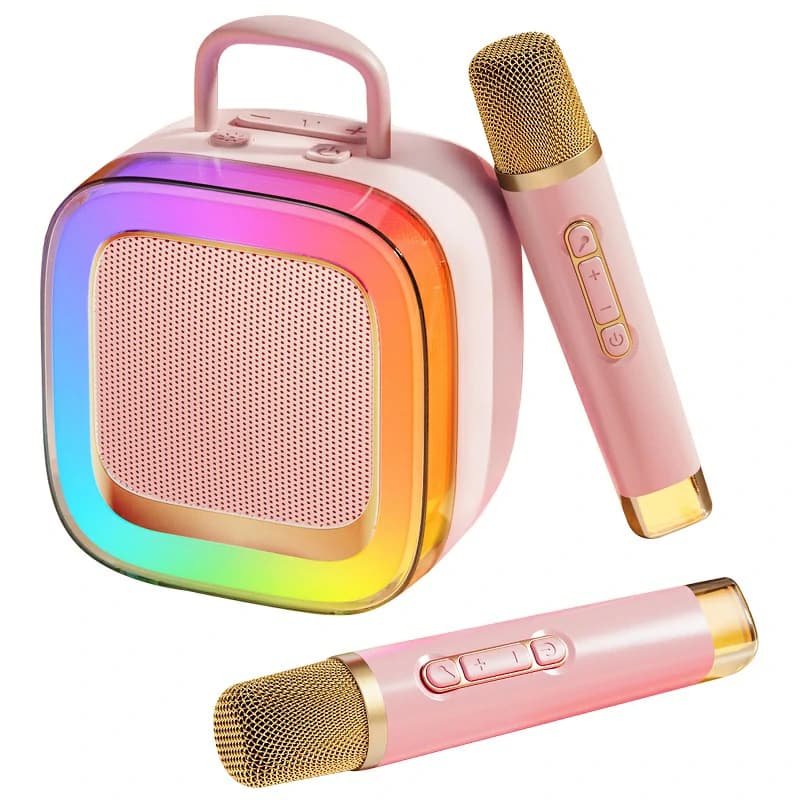
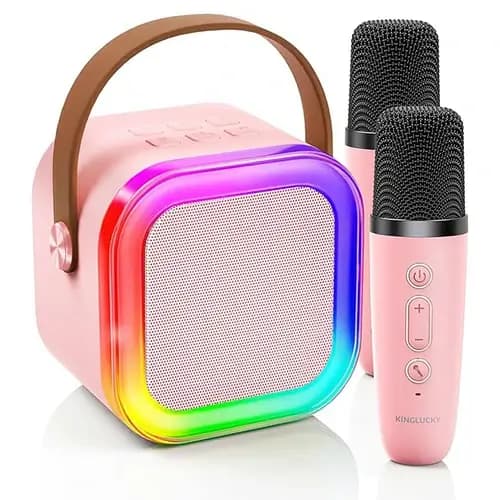
How to Use Kids Karaoke Machine
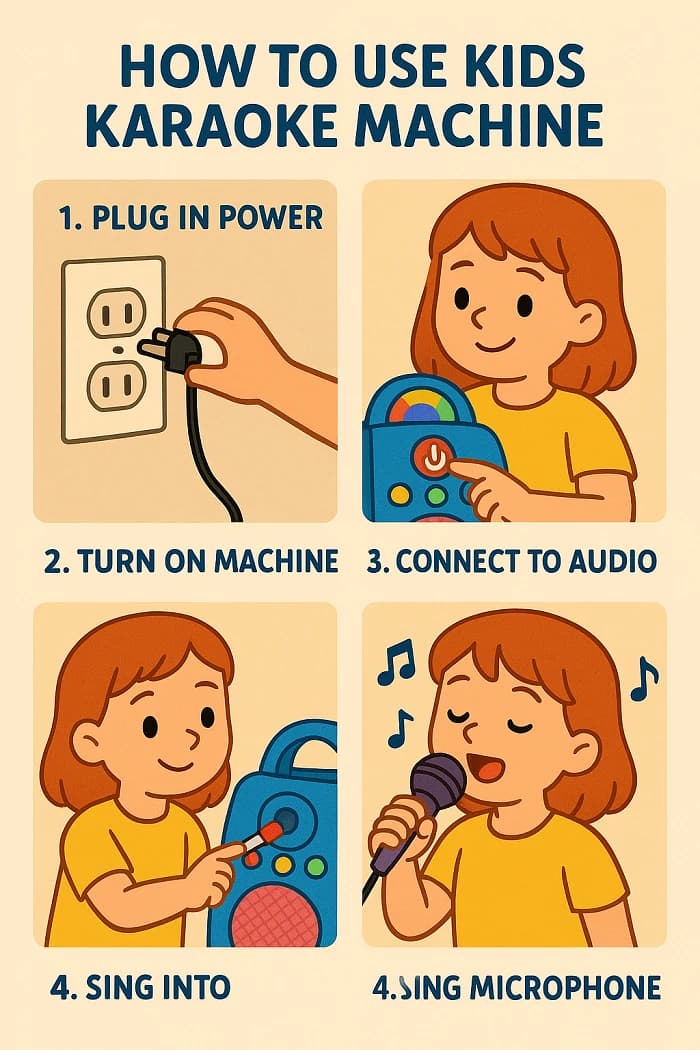
Parents, you just unboxed a shiny new karaoke machine and the kids are ready to sing. But setup can be confusing and safety matters. This guide solves those pain points with clear, simple steps and smart protection tips. We’ll walk through kids karaoke machine setup step by step, show you how to connect kids karaoke to phone, and share kid-safe settings that keep volume gentle. You’ll also get quick kids karaoke troubleshooting answers when things don’t work. By the end, you’ll know exactly how to use kids karaoke machine with confidence and calm.

Wired or wireless microphone(s).
AUX cable or Bluetooth-ready phone/tablet.
Stable surface for the unit and a tidy space for cables.
Optional: lyric app, sing-along songs for kids, and wipes for cleaning.
Inspect the machine, mic, power cord, AUX cable, and remote (if included).
Look for cracks, bent pins, or loose parts before first use.
Key Tip: Keep plastic bags and twist ties away from kids.
Use a surge protector if possible.
Keep outlets, strips, and cables out of reach.
Key Tip: Keep cords out of kids’ reach and tape down any that cross the floor.
For wireless mics: insert batteries or charge, then power on both mic and receiver.
Speak “check, one, two.” Adjust mic gain if available.
Key Tip: Hold the mic 2–3 inches from the mouth to reduce pops.
Put the karaoke in Bluetooth mode.
On your phone, open Bluetooth and select the device name.
Play audio from a kids app or playlist.
AUX cable method
Plug AUX into phone and machine.
Select AUX input on the machine.
This is how to connect kids karaoke to phone quickly.
Key Tip: If pairing fails, toggle Bluetooth off/on and retry.
Child safety experts commonly advise safe volume under ~85 dB for kids. Keep sessions short and give ears breaks.
Enable parental controls if available to lock inputs and max volume.
Choose child-friendly features like lyric prompts and kid-safe settings that limit effects.
Open a kids app (e.g., Spotify Kids or similar) and select sing-along songs for kids.
Key Tip: Place the speaker away from ears and point it forward, not upward.
Try fun features like echo or voice change at low levels first.
Celebrate short performances and switch turns often.
Key Tip: Keep a “performance zone” 3–6 feet from the speaker to avoid feedback.
Age 6–8: Add lyrics on a tablet and simple parental controls for max volume.
Age 9–10: Let kids make setlists and emcee turns for confidence.
Put a masking tape box on the floor as the “stage” to keep distance from the speaker.
Store mics upright in a cup to protect grilles and cables.
Wipe mics with alcohol wipes after each session. Air-dry before charging.
Label cables and ports to speed up next-time setup.
Many parents find a Friday family sing-along builds routine and keeps use supervised.
What You’ll Need
Kids karaoke machine, power adapter, and user manual.Wired or wireless microphone(s).
AUX cable or Bluetooth-ready phone/tablet.
Stable surface for the unit and a tidy space for cables.
Optional: lyric app, sing-along songs for kids, and wipes for cleaning.
Step-by-Step Guide
Step 1: Unbox and Check Components
Place everything on a table and compare with the manual list.Inspect the machine, mic, power cord, AUX cable, and remote (if included).
Look for cracks, bent pins, or loose parts before first use.
Key Tip: Keep plastic bags and twist ties away from kids.
Step 2: Connect Power Safely
Plug the original adapter into the machine, then into a wall outlet.Use a surge protector if possible.
Keep outlets, strips, and cables out of reach.
Key Tip: Keep cords out of kids’ reach and tape down any that cross the floor.
Step 3: Set Up the Microphone
For wired mics: insert the plug fully into the MIC jack until it clicks.For wireless mics: insert batteries or charge, then power on both mic and receiver.
Speak “check, one, two.” Adjust mic gain if available.
Key Tip: Hold the mic 2–3 inches from the mouth to reduce pops.
Step 4: Connect to Your Device (Bluetooth or AUX)
Bluetooth methodPut the karaoke in Bluetooth mode.
On your phone, open Bluetooth and select the device name.
Play audio from a kids app or playlist.
AUX cable method
Plug AUX into phone and machine.
Select AUX input on the machine.
This is how to connect kids karaoke to phone quickly.
Key Tip: If pairing fails, toggle Bluetooth off/on and retry.
Step 5: Adjust Kid-Safe Settings
Start at under 50% volume.Child safety experts commonly advise safe volume under ~85 dB for kids. Keep sessions short and give ears breaks.
Enable parental controls if available to lock inputs and max volume.
Choose child-friendly features like lyric prompts and kid-safe settings that limit effects.
Open a kids app (e.g., Spotify Kids or similar) and select sing-along songs for kids.
Key Tip: Place the speaker away from ears and point it forward, not upward.
Step 6: Start Singing
Show kids how to hold the mic and face the speaker, not stand right in front of it.Try fun features like echo or voice change at low levels first.
Celebrate short performances and switch turns often.
Key Tip: Keep a “performance zone” 3–6 feet from the speaker to avoid feedback.
Troubleshooting FAQ
Q1: My kids karaoke microphone not working. What should I check?
A: Confirm the mic is fully plugged in or paired and powered. Raise mic volume or gain, not just the master volume.Q2: There’s no sound, but the phone shows it’s playing.
A: Check the input source (Bluetooth vs. AUX). Ensure media volume on the phone is up, not just the machine volume.Q3: Bluetooth won’t pair.
A: Forget the device on your phone and re-pair. Move other Bluetooth gadgets away and keep phone within 3–5 feet.Q4: Sound is too loud for my child. What is a safe volume for kids karaoke?
A: Keep volume under 50% and target under ~85 dB. Short sessions with breaks protect hearing.Q5: I hear squealing or echo.
A: Turn the mic away from the speaker. Lower echo/effects and reduce mic gain slightly.Pro Tips (Parent-Tested)
Age 3–5: Use big buttons, simple playlists, and very short sets.Age 6–8: Add lyrics on a tablet and simple parental controls for max volume.
Age 9–10: Let kids make setlists and emcee turns for confidence.
Put a masking tape box on the floor as the “stage” to keep distance from the speaker.
Store mics upright in a cup to protect grilles and cables.
Wipe mics with alcohol wipes after each session. Air-dry before charging.
Label cables and ports to speed up next-time setup.
Many parents find a Friday family sing-along builds routine and keeps use supervised.
Conclusion
Now you know how to use kids karaoke machine from unboxing to first duet. Follow the kids karaoke machine setup step by step, connect your phone, and keep kid-safe settings with volume under 50% and under ~85 dB. Enjoy sing-along songs for kids, capture happy moments, and share your family’s favorite tracks and tips in the comments so other parents can learn too.Recommended Products