
New
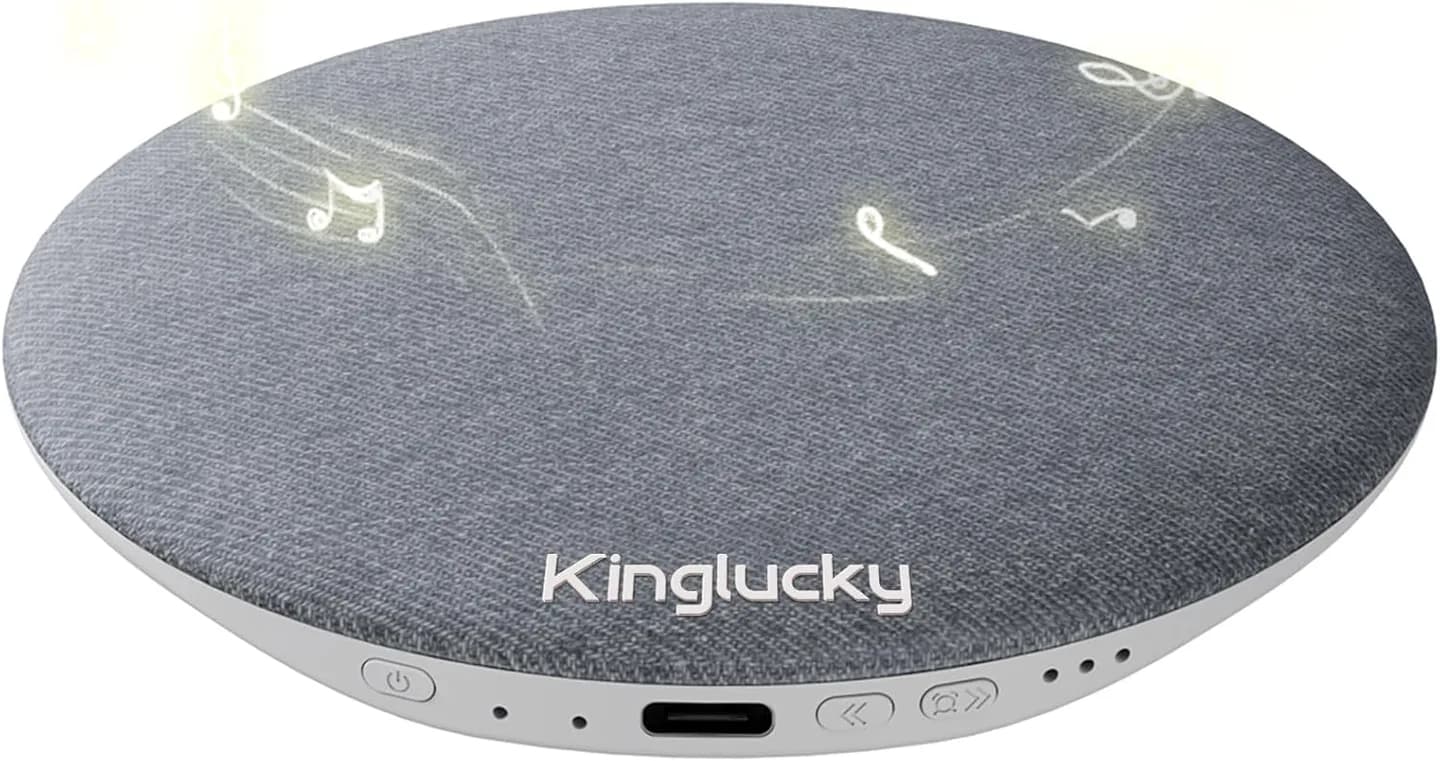
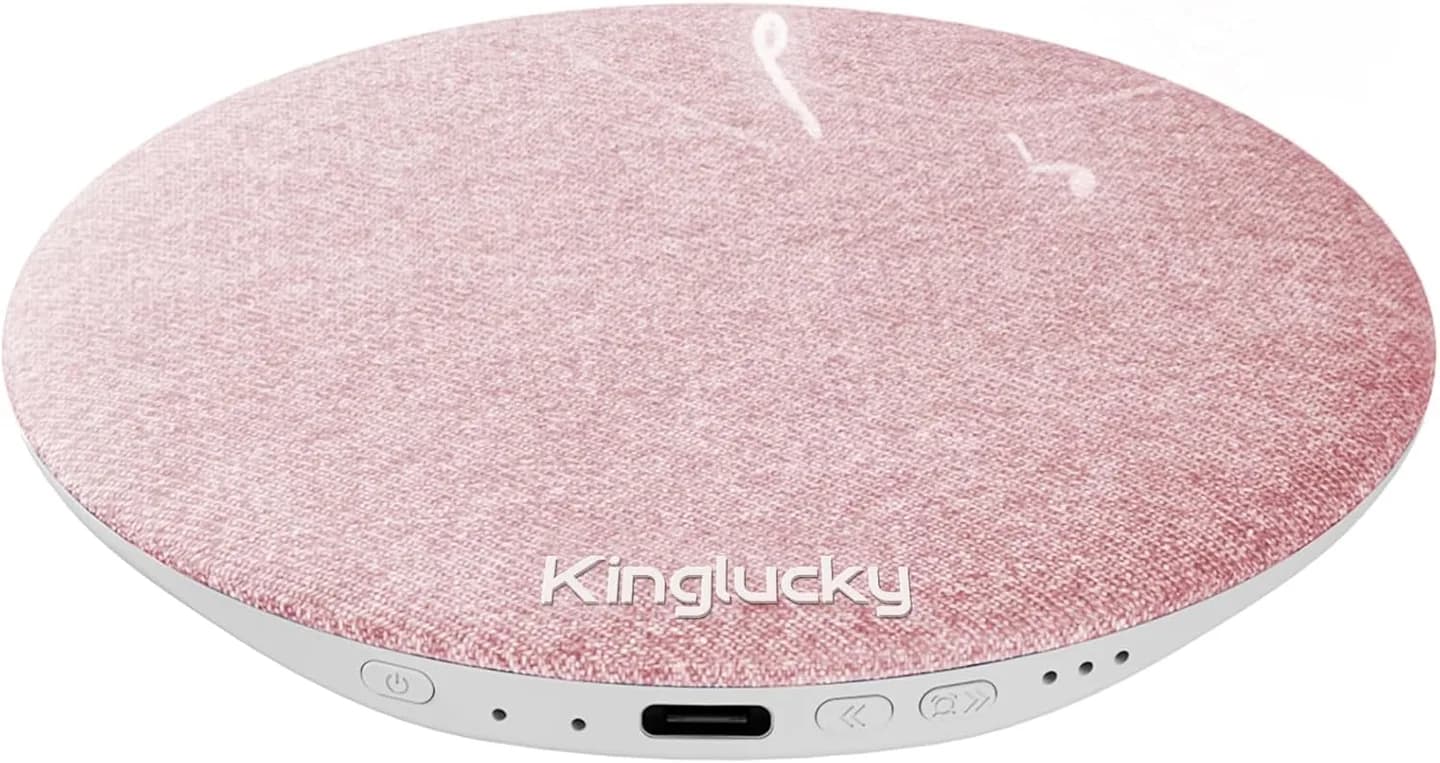
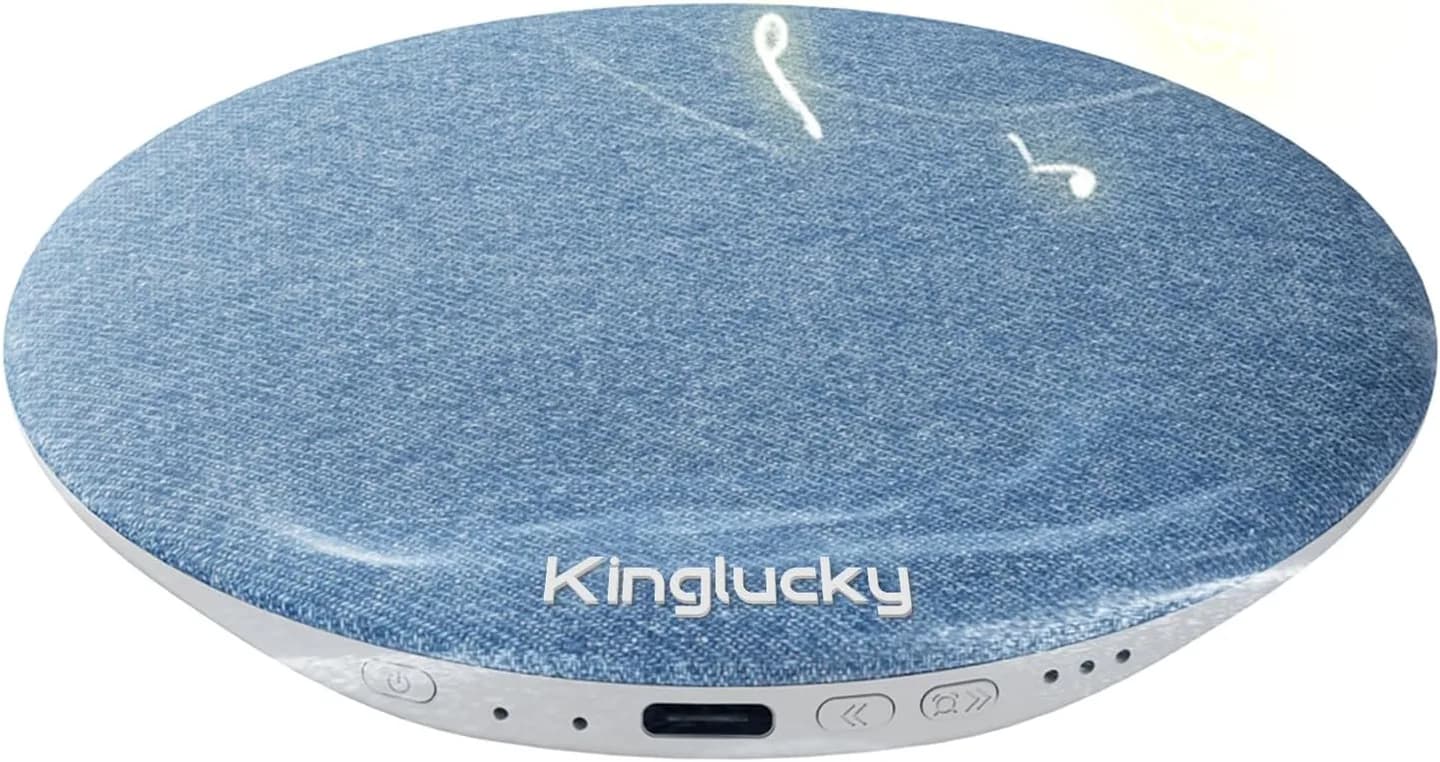
Kinglucky X50 Ultra-Slim Pillow Speaker
Earbud-free bedtime audio with Bluetooth, built-in sleep sounds, and a 30/60/90-minute timer.
$69.90
All series are ready to ship now!
Quantity
1 ItemTotal $69.90
Or buy on Amazon
Buy on Amazon ↗30 Days Return
Not satisfied? Return your order within 30 days of delivery for a full refund.
Free Shipping over $49.90
Free tracked shipping on qualifying orders. Most orders arrive within 5-10 business days.
1-Year Warranty
Every Kinglucky product is covered by a 1-year warranty against manufacturing defects.
Earn 69 Kinglucky Points when you buy this item.
SKU: X50


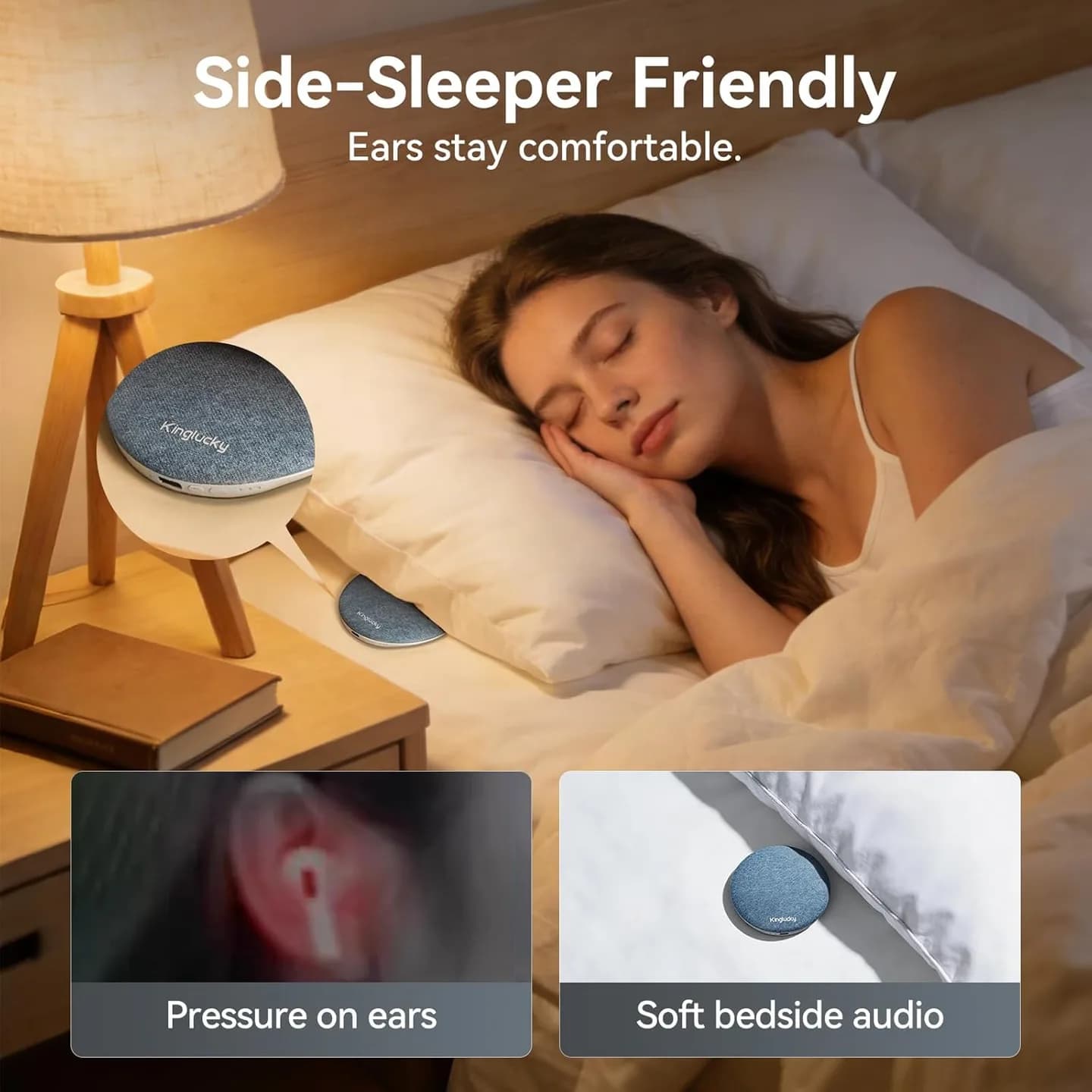
Sleep-ready audio without earbuds
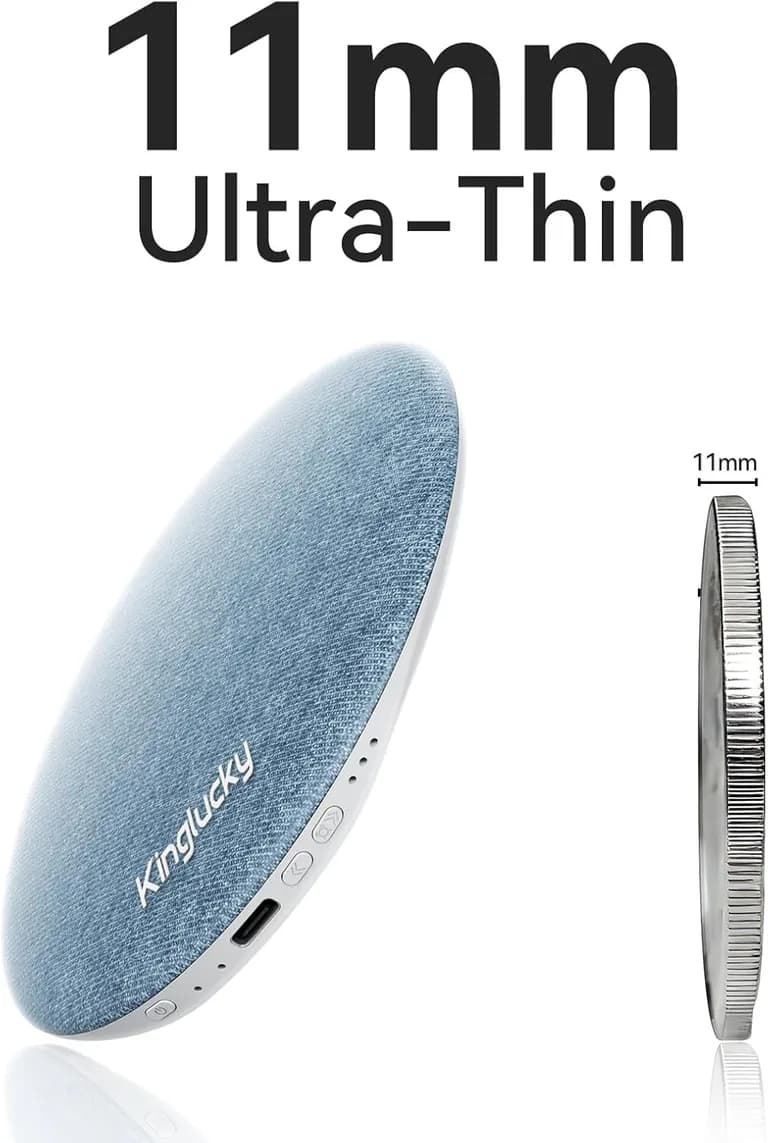
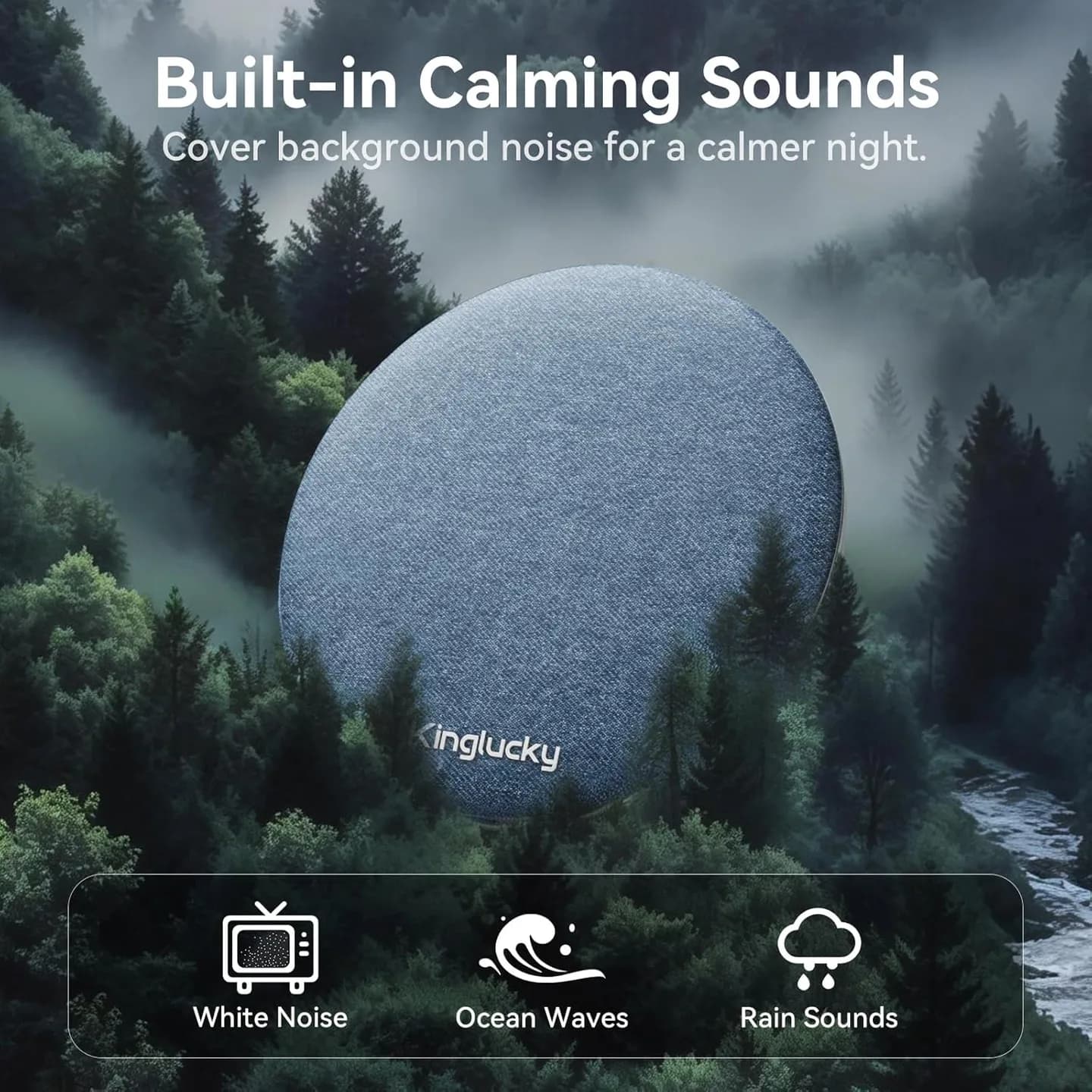
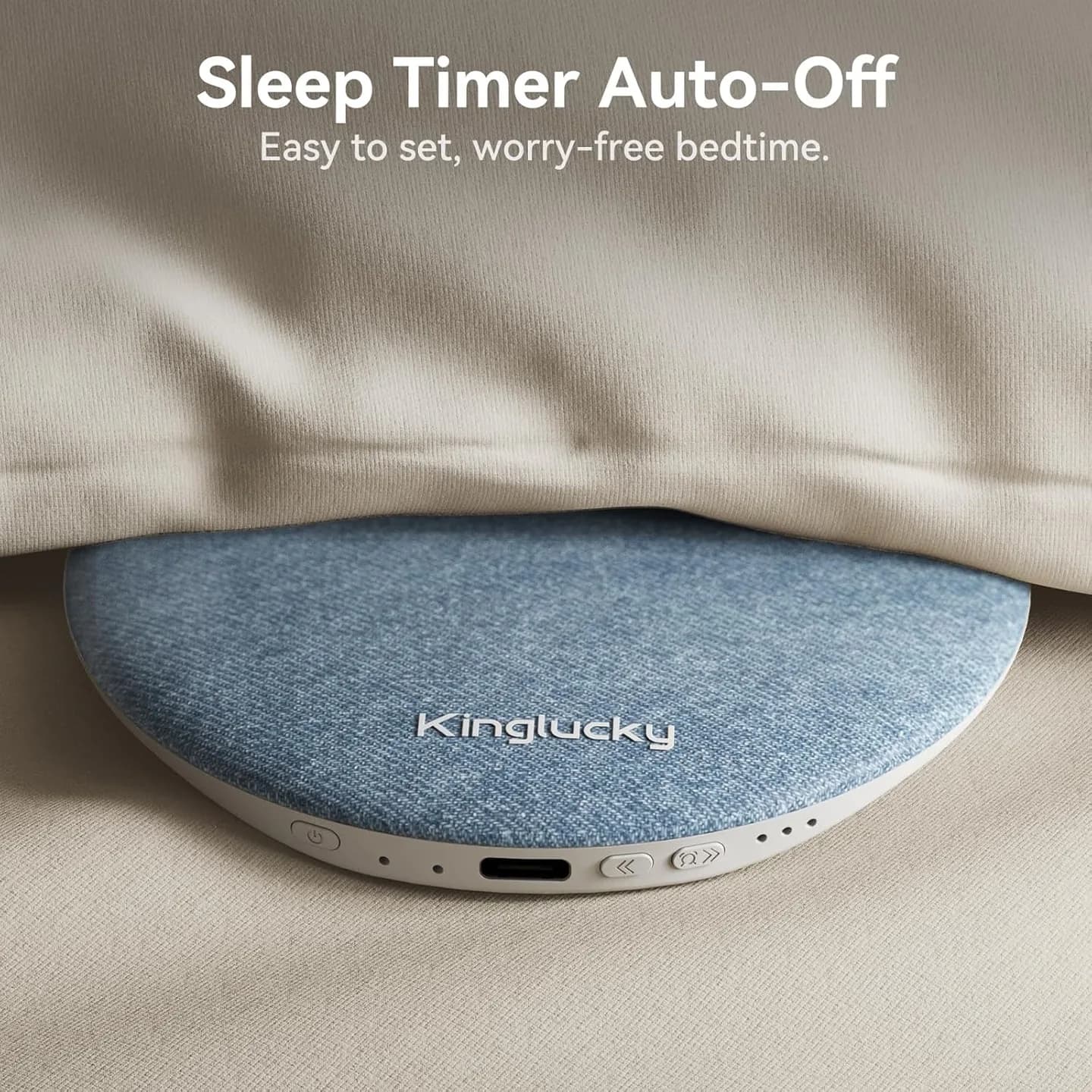
The 11 mm-thin Kinglucky X50 is designed for under-pillow listening. Stream audio over Bluetooth or choose built-in white noise, ocean waves, or rain. A 30, 60, or 90-minute timer helps control playback.
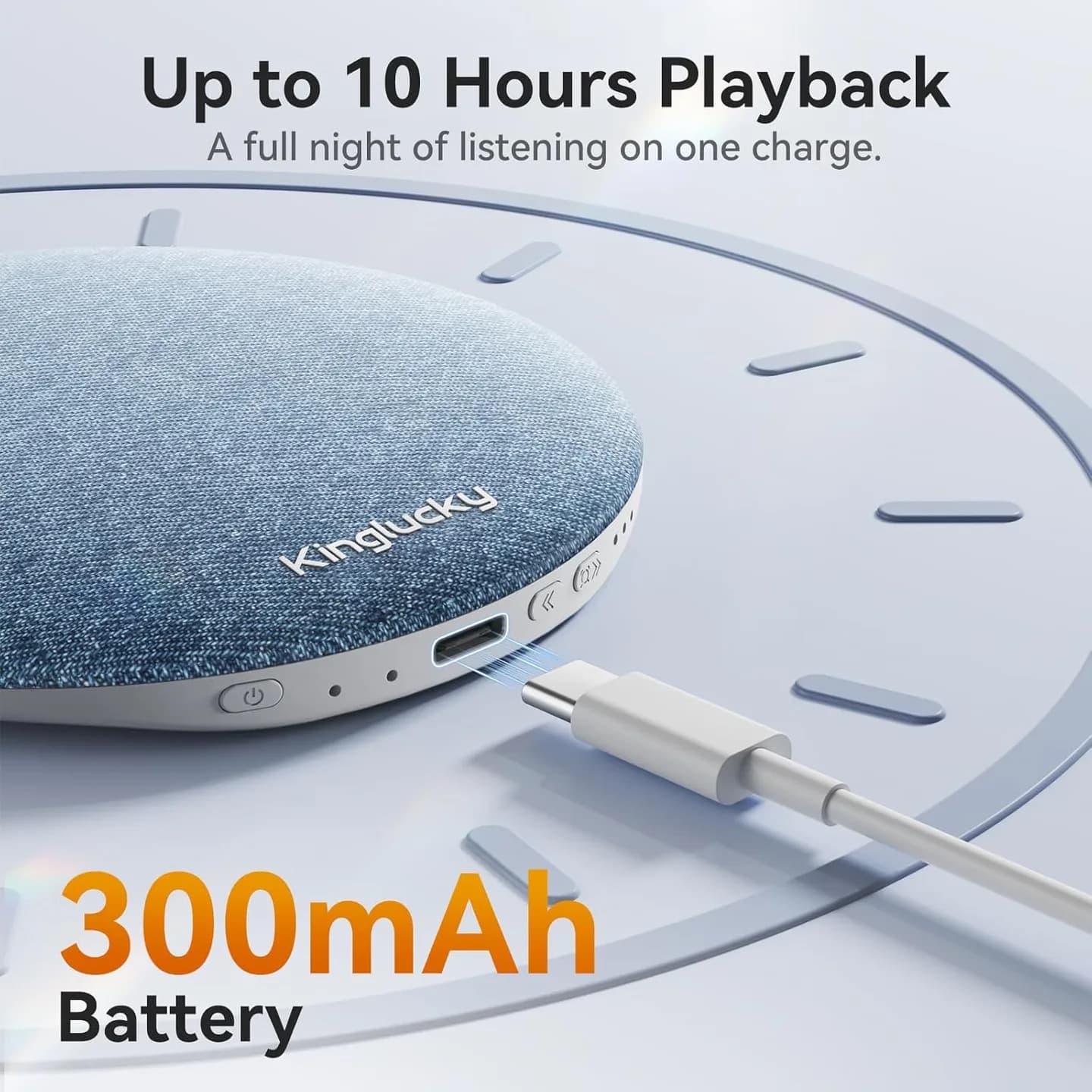
Key details: 40 mm driver, 300 mAh rechargeable battery, USB-C charging, and hands-free calling. Playback is rated for up to 10 hours; actual runtime varies with volume, mode, battery condition, and use.
Product Information
Specifications
| Model | X50 |
|---|---|
| Thickness | 11 mm |
What's in the Box (1)
- X50 Sleep Speaker; USB-C charging cable; user manual
Produkt-FAQ
Can I use the X50 without wearing earbuds?
What sounds are built into the X50?
How do I connect the X50 by Bluetooth?
Does the X50 have an auto-off timer?
How long does the battery last?
How is the X50 charged?
Can I use the X50 for phone calls?
What is included in the box?
Customer Reviews
—
Based on 0 reviews