How to Turn Off Echo on Mini Karaoke Machine: Quick and Easy Guide
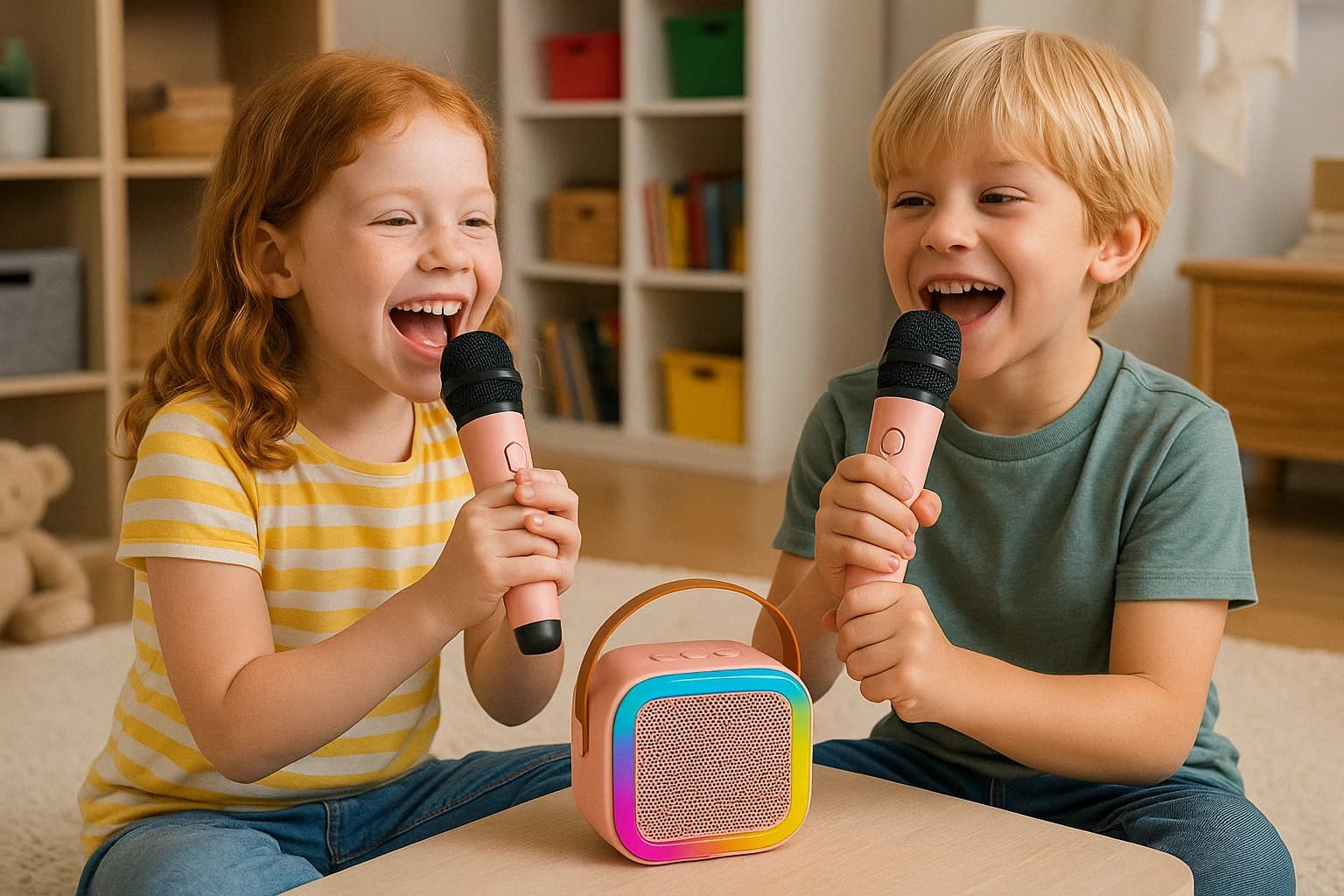
Mini karaoke machines are designed to bring portable, easy-to-use singing fun to any setting — from bedrooms and living rooms to backyards and road trips. But sometimes, users find themselves asking: how to turn off echo on mini karaoke machine? While echo can enhance vocals for some performances, too much of it can be distracting or even frustrating, especially for kids or casual users.
This guide will help you understand what the echo function does, how to adjust or disable it, and how certain mini karaoke machines make the process more intuitive — using real-world examples.

Too much echo can:
With intuitive designs like the K12, even first-time users — including children — can adjust settings like echo on their own, making the karaoke experience both enjoyable and empowering.
This guide will help you understand what the echo function does, how to adjust or disable it, and how certain mini karaoke machines make the process more intuitive — using real-world examples.
What Is Echo on a Mini Karaoke Machine?
Echo is a digital audio effect that repeats or reflects your voice slightly, creating a more “live” or concert-like sound. Many mini karaoke machines include this feature to make vocals sound fuller or more dramatic. However, not everyone wants that enhancement all the time.Too much echo can:
- Muffle clarity
- Distract younger singers
- Make lyrics harder to follow
Step-by-Step: How to Turn Off Echo on Mini Karaoke Machine
Depending on the model, there are typically three ways to adjust or disable the echo function:1. Use a Dedicated Echo Knob or Button
Most mini karaoke machines with built-in echo effects will have:- A physical knob labeled “Echo” — simply rotate it counterclockwise to reduce or eliminate the effect.
- A button marked “Echo” or “Effect” — pressing it may cycle through levels (Low > Mid > Off).
2. Control via Microphone Settings
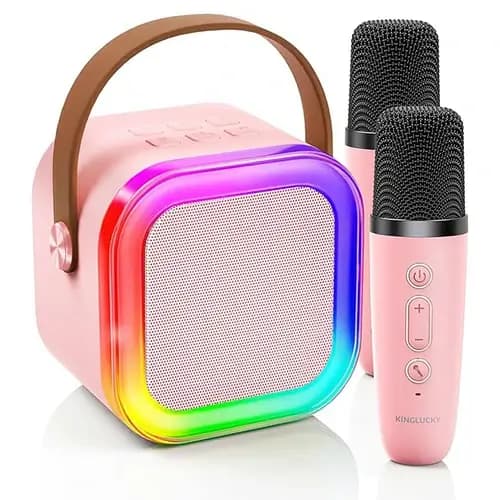
Some mini karaoke machines allow echo control directly through the microphone (especially wireless models):- Look for buttons marked “Echo,” “Reverb,” or “Mode” on the mic.
- Tap or hold the button to decrease or disable echo.
3. Navigate the Digital Display (If Available)
Higher-end or smart-enabled mini karaoke machines may have a small screen or voice menu:- Enter the settings menu
- Look for sound options or effect controls
- Select “Echo” and toggle it off or adjust the level manually
Troubleshooting If Echo Won’t Turn Off
If you’ve followed the above steps but still hear echo:- Double-check that both mic and speaker echo settings are at zero
- Try restarting the machine
- Ensure no Bluetooth effects are being applied from connected apps
- Remove any external effects processors if connected
When Echo Can Be a Good Thing
While learning how to turn off echo on mini karaoke machine is helpful, it’s also worth noting that echo isn’t always bad. It can:- Make shy singers sound more confident
- Smooth over pitch variations
- Add energy to louder performances
Example: Adjusting Echo on the K12 Mini Karaoke Machine
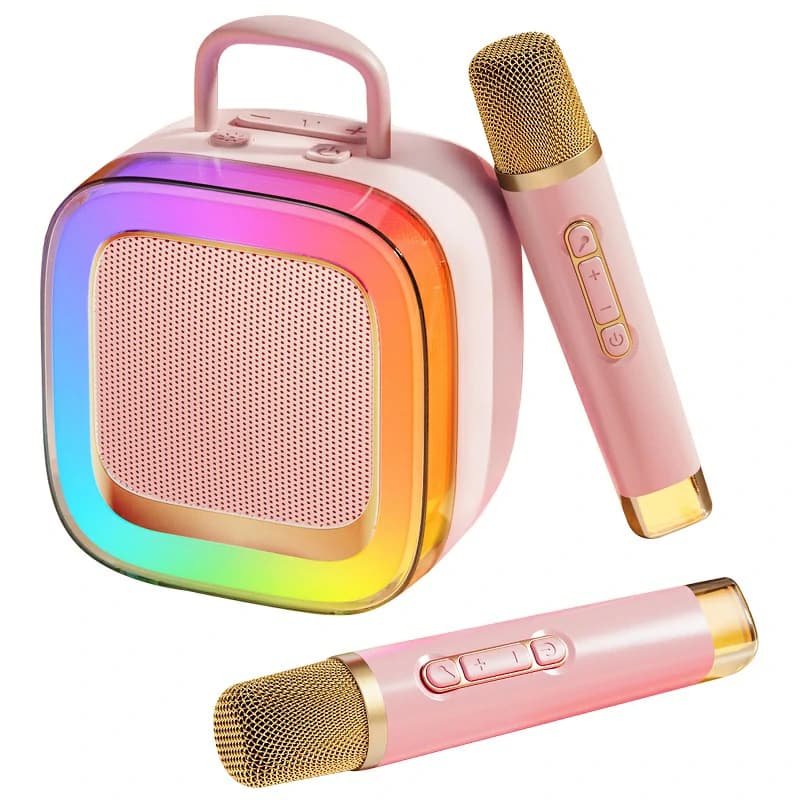
If you're using a family-friendly unit like the K12 mini karaoke machine, adjusting echo is straightforward:- On the top panel, there's a clearly labeled “Echo” dial.
- Turn the dial counterclockwise to reduce or eliminate the effect entirely.
- The LED display will flash briefly to confirm the setting change.
Final Thoughts
Mini karaoke machines are designed to be simple, flexible, and fun. Whether you prefer echo-free clarity or a bold, dramatic vocal stage effect, knowing how to turn off echo on mini karaoke machine helps ensure every user gets the sound they want.With intuitive designs like the K12, even first-time users — including children — can adjust settings like echo on their own, making the karaoke experience both enjoyable and empowering.
Produktempfehlungen